
Рома Ахмадуллин
- лид фронтенда в Дроме
- контрибьючу в Доку
- будем бить рекорд по числу слайдов
Рома Ахмадуллин
Дром


.yellow {
    background: yellow;
}



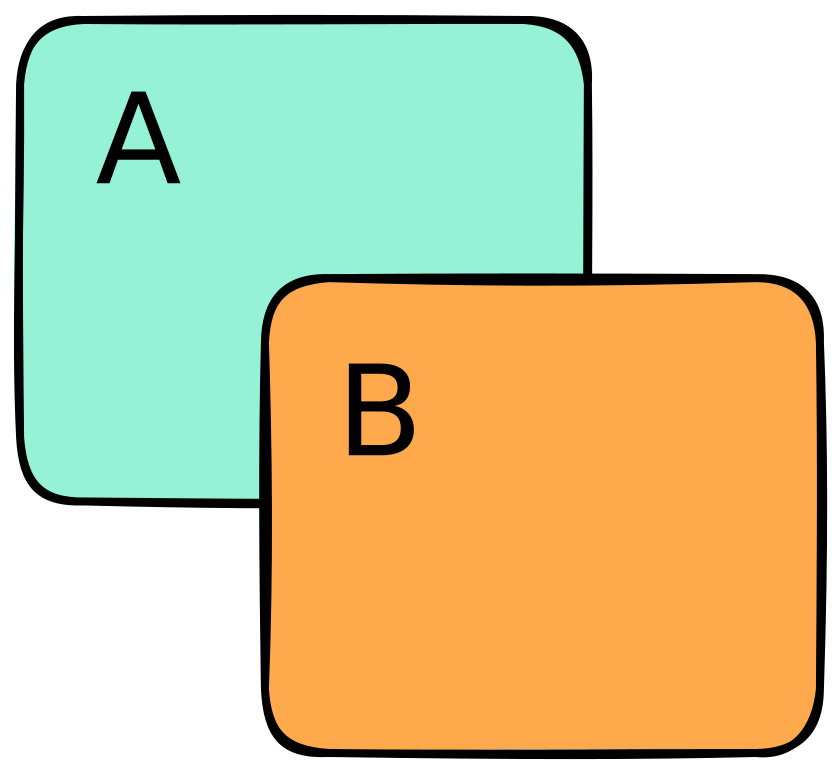
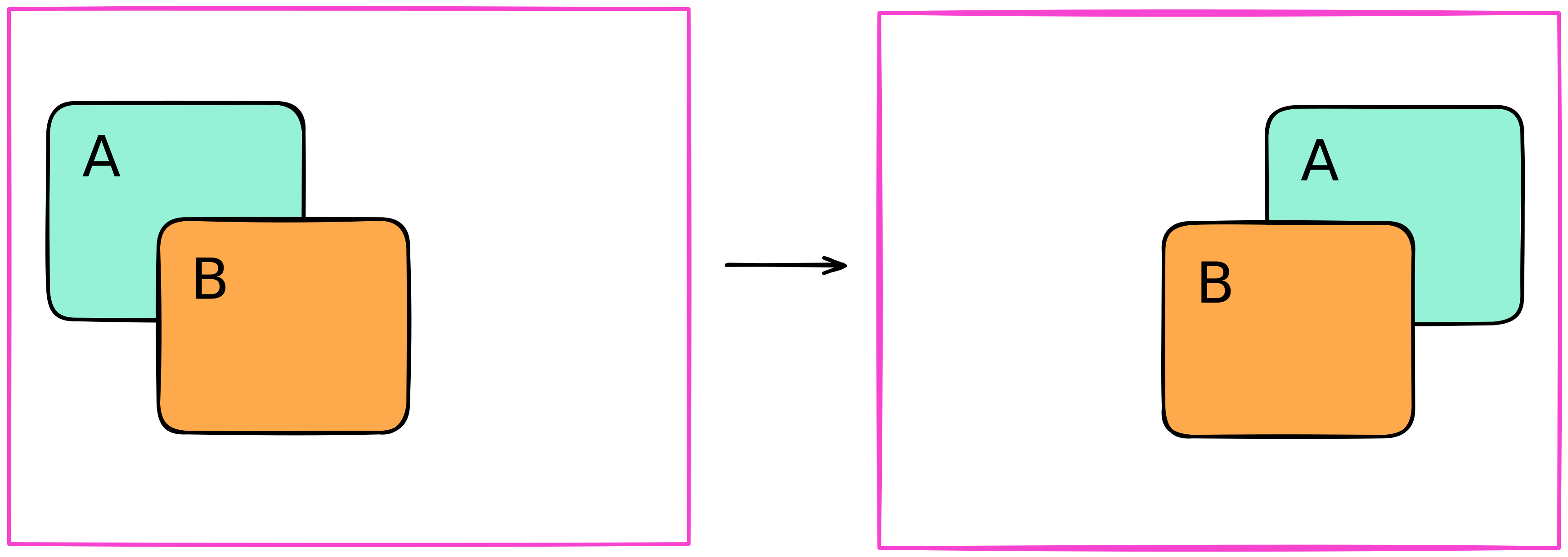

 CSS-спецификация: anchor positioning
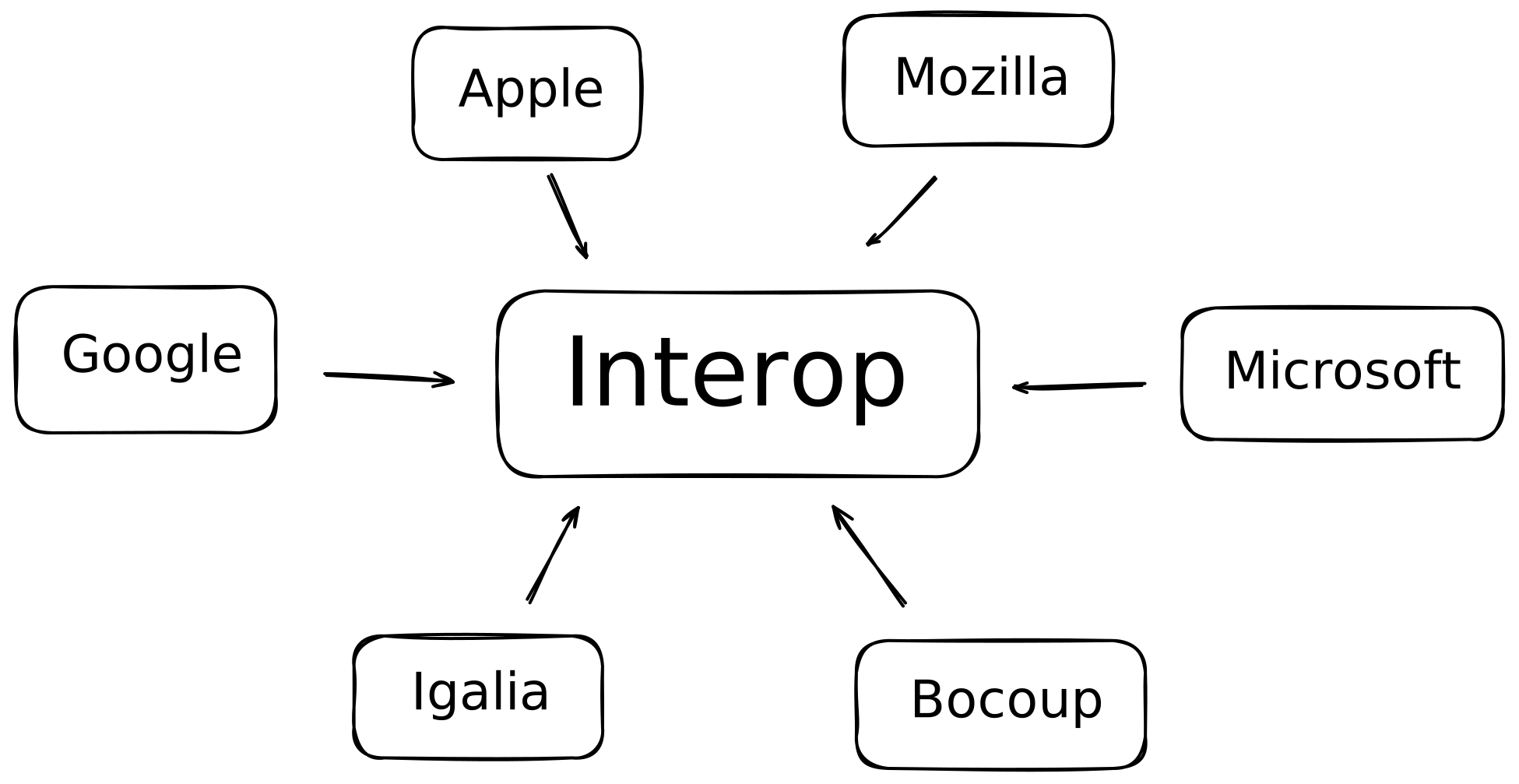
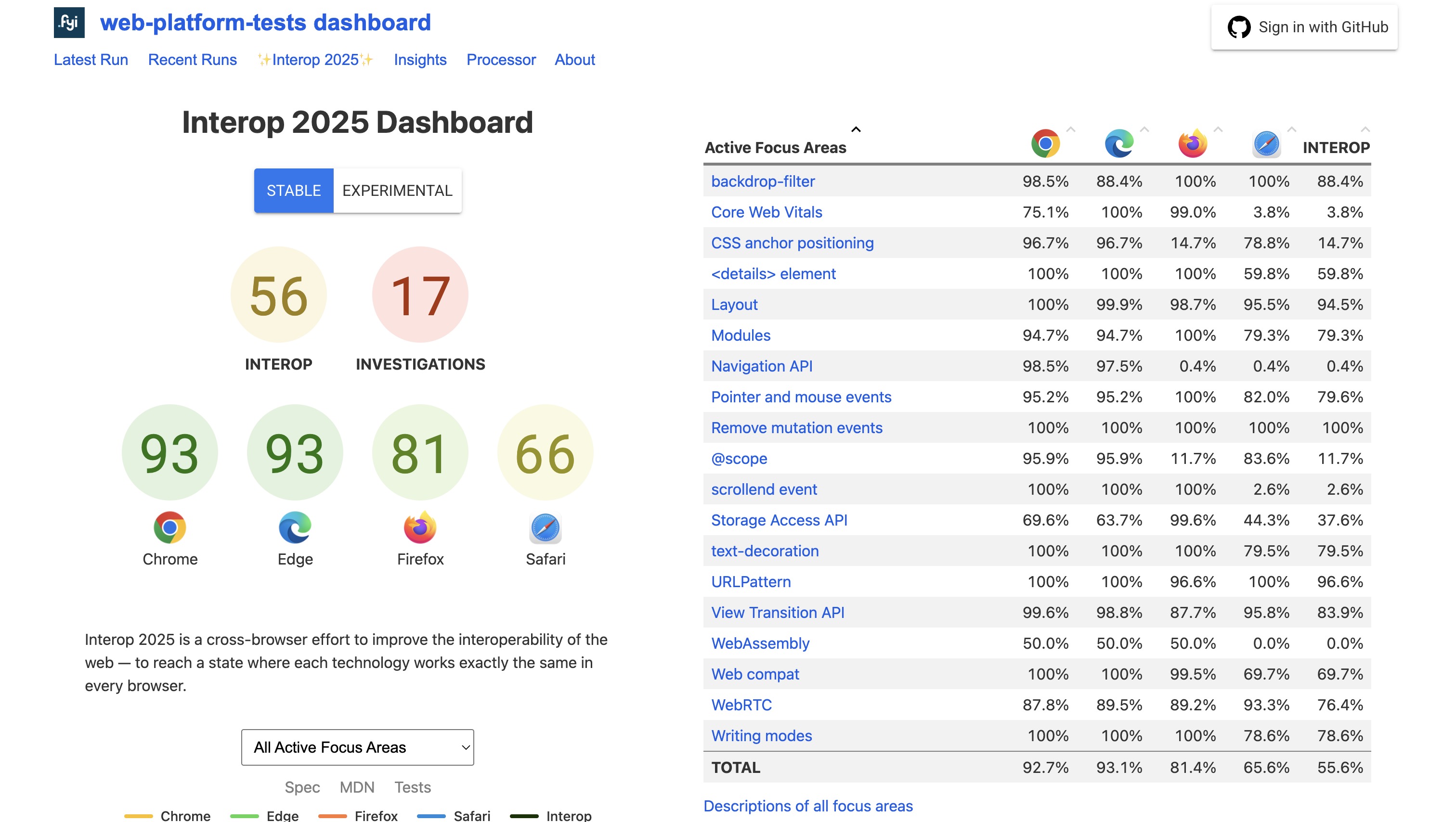 Web platform tests: Interop 2025 Dashboard
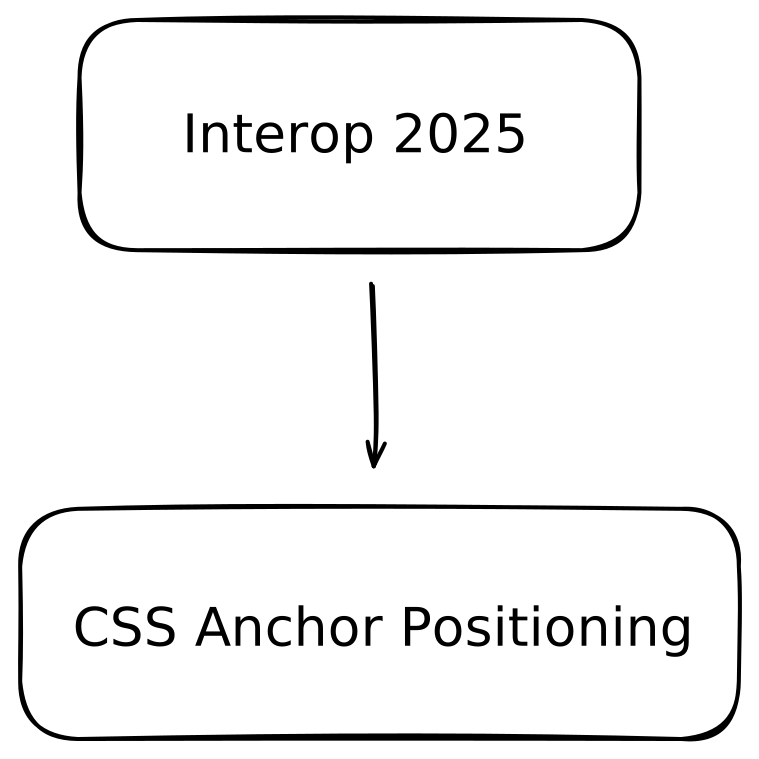
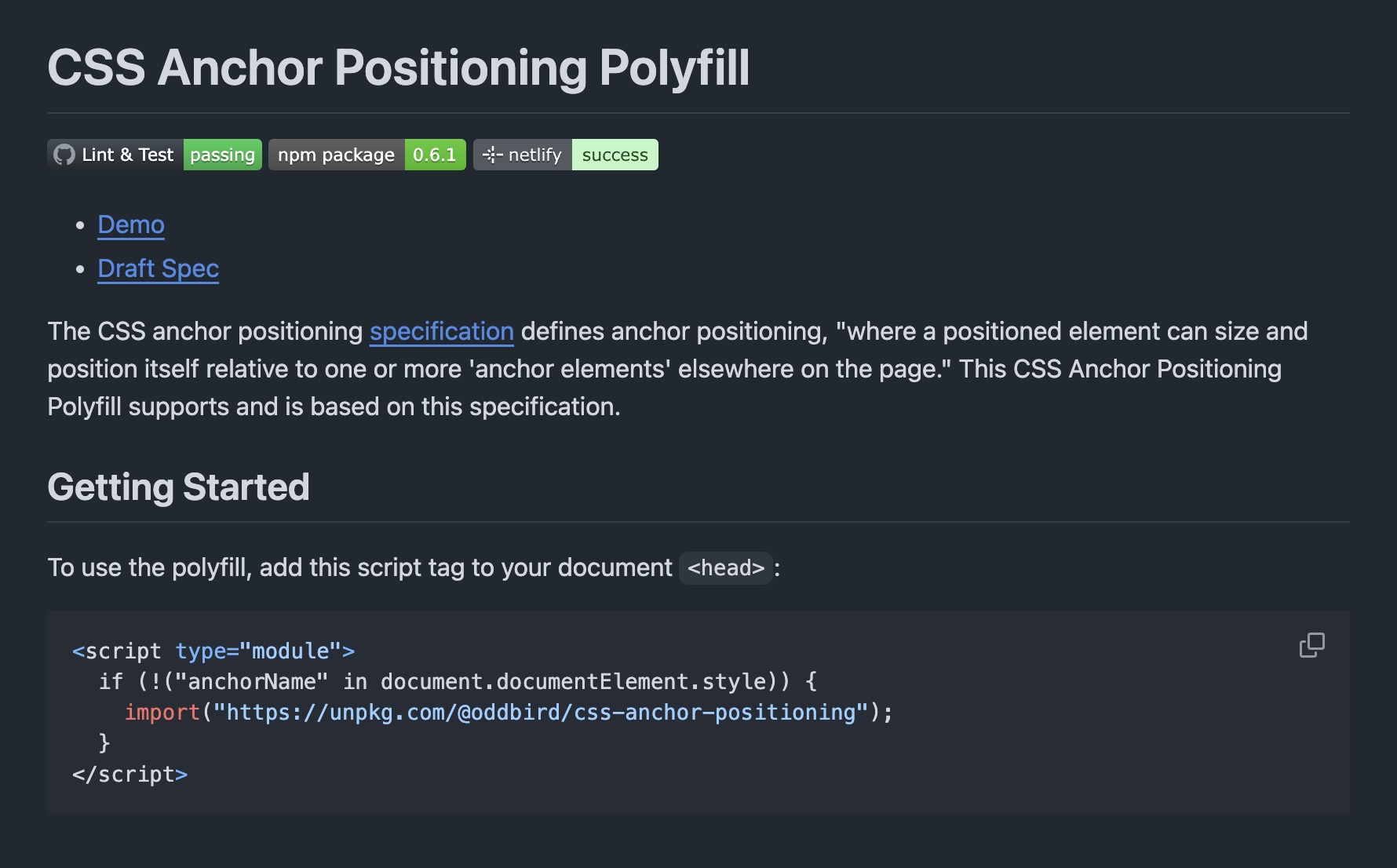 CSS Anchor Positioning Polyfill

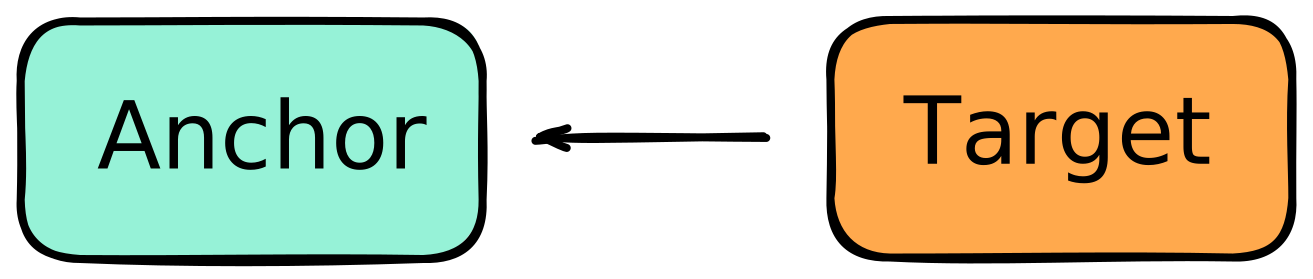
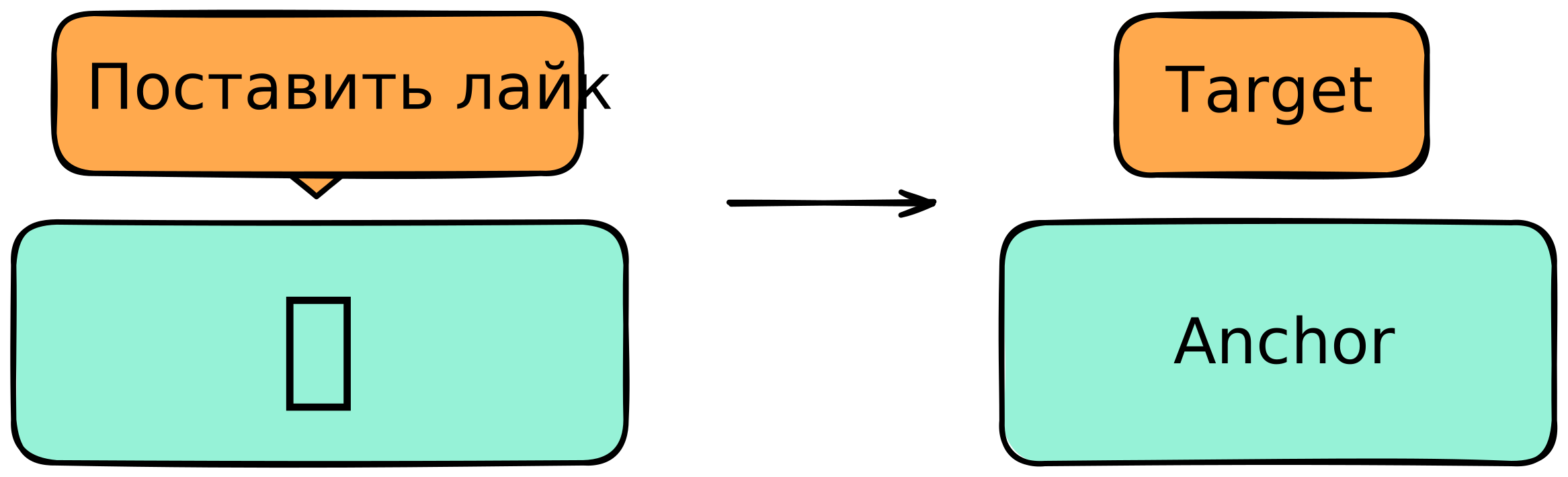
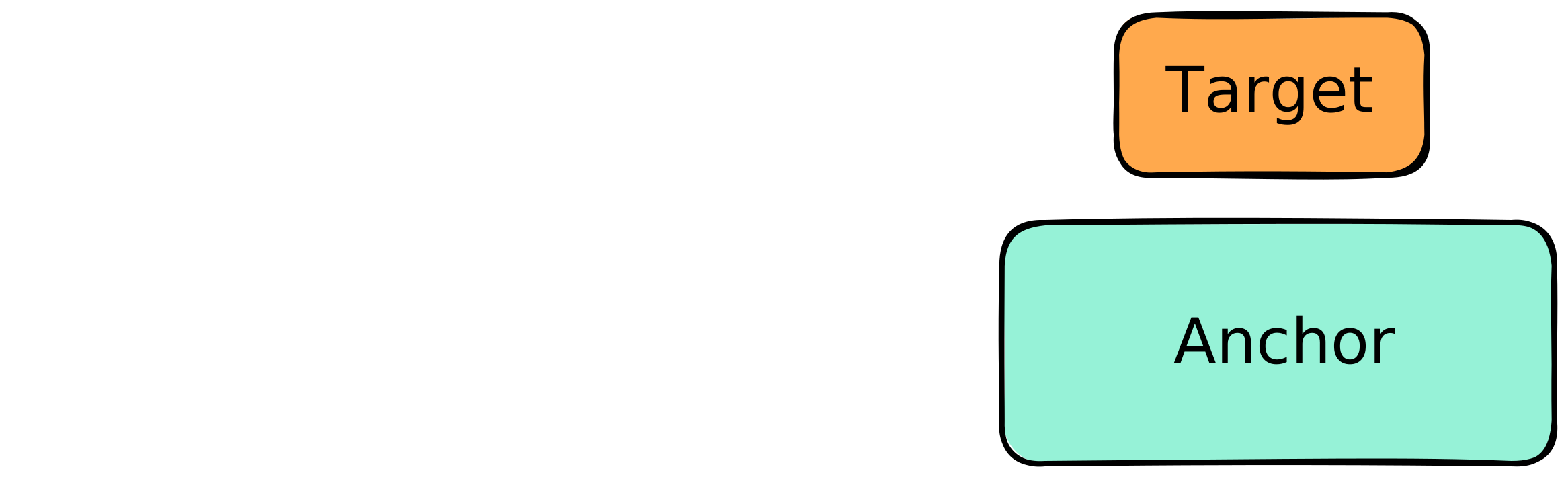
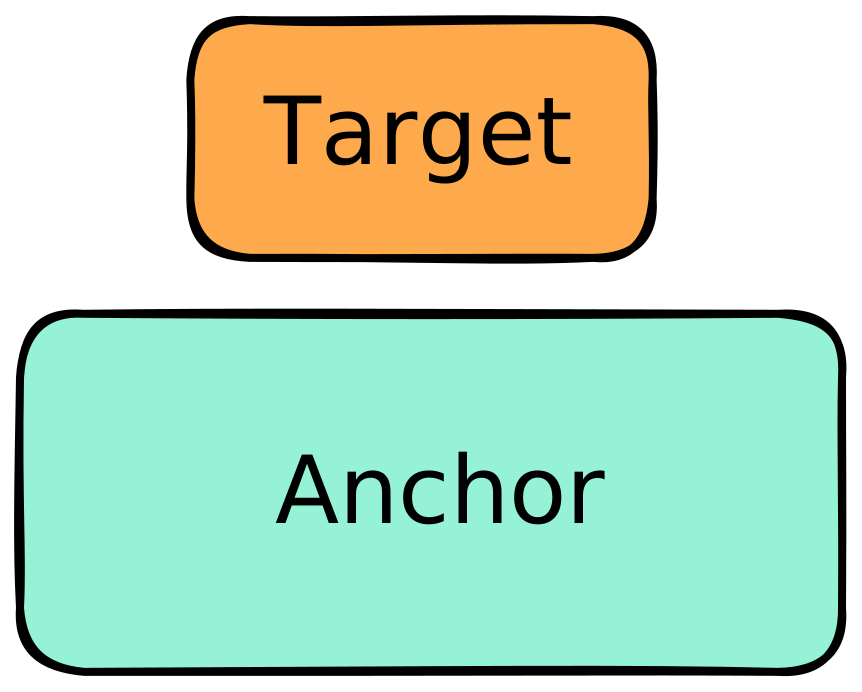
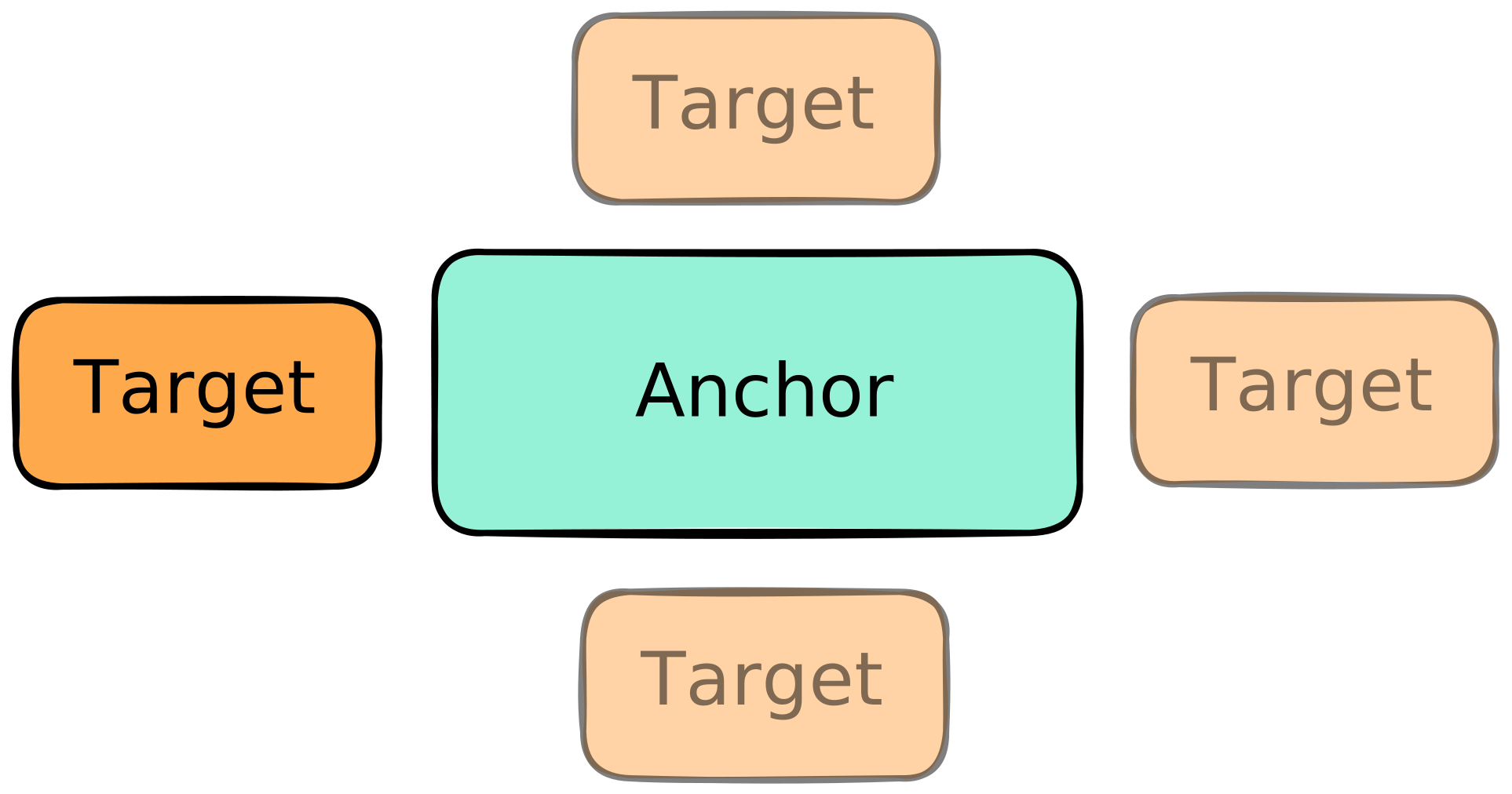
.target {
position: absolute;
position-anchor: --my-anchor;
}
.target {
top: anchor(top);
top: anchor(bottom);
top: anchor(left);
top: anchor(right);
}
.target {
top: anchor(bottom);
top: anchor(--my-anchor bottom);
}

.target {
top: anchor(--my-anchor bottom, 50%);
}
        .anchor {
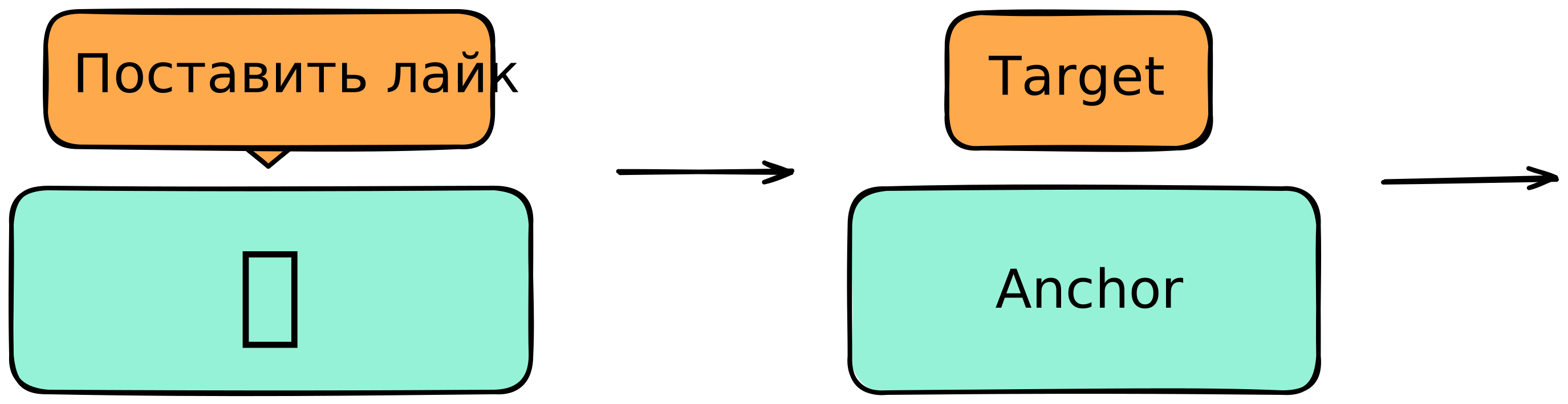
            anchor-name: --my-anchor;
        }
.target {
position: absolute;
position-anchor: --my-anchor;
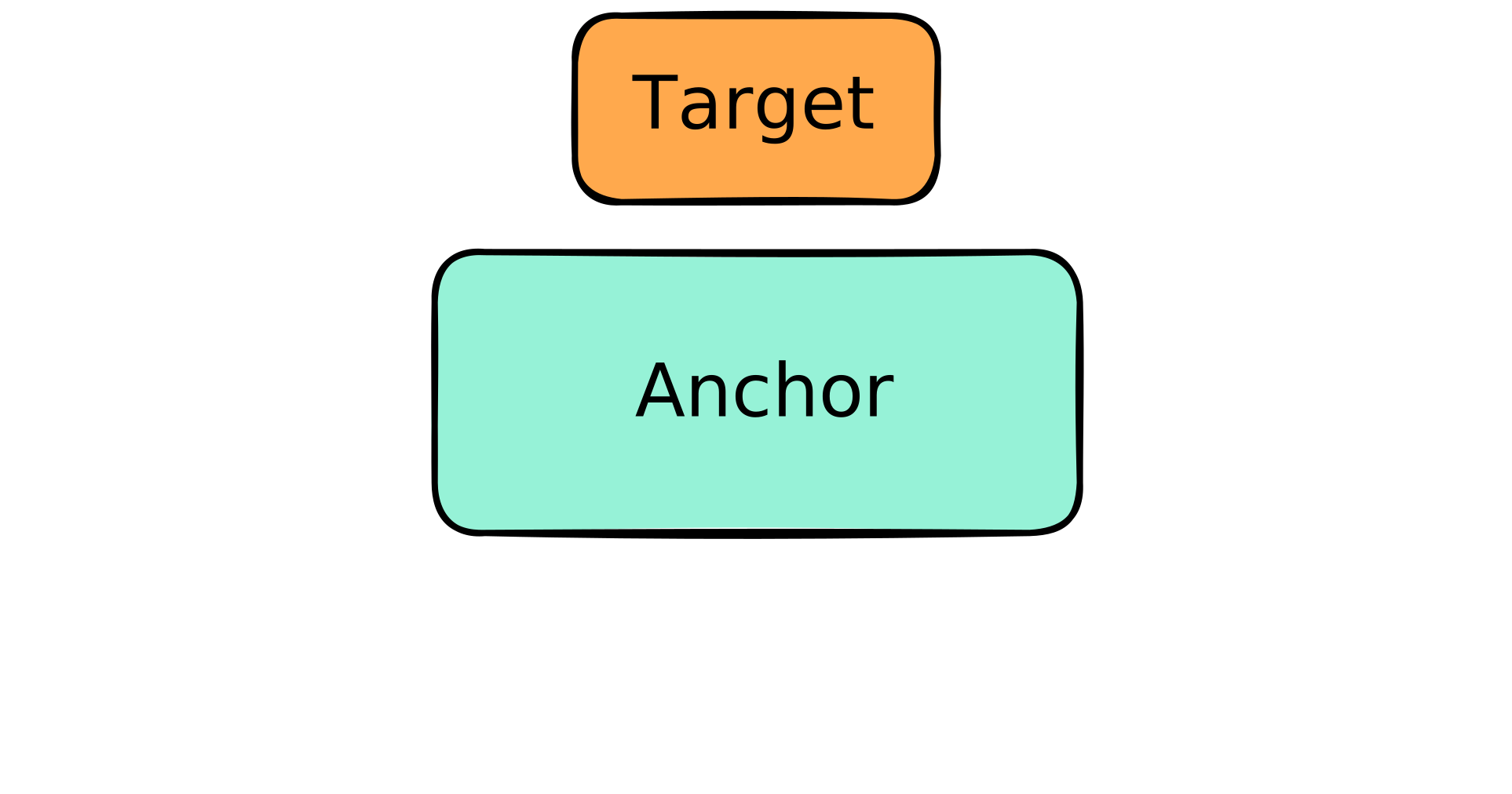
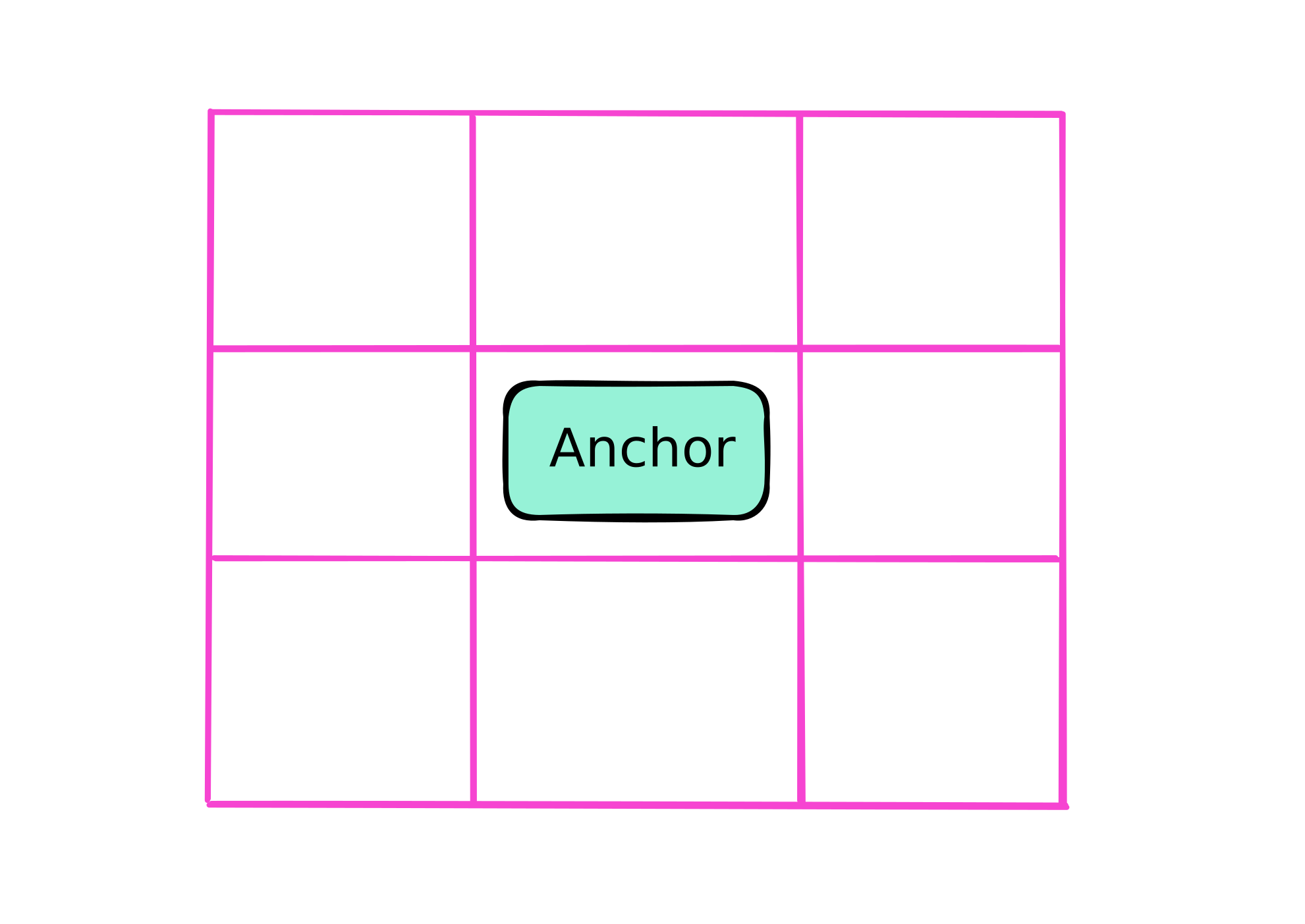
bottom: anchor(top);
justify-self: anchor-center;
}
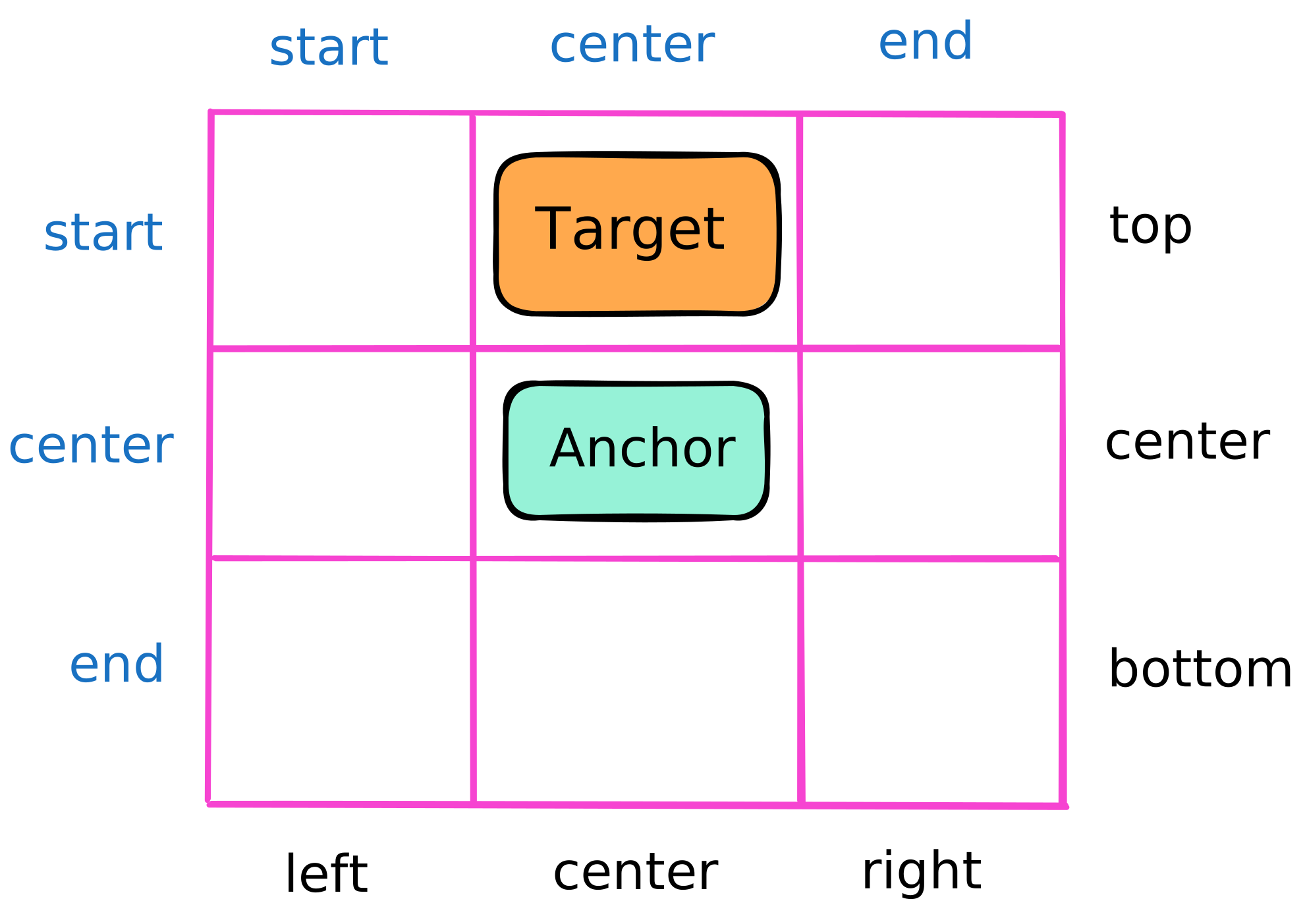
.target {
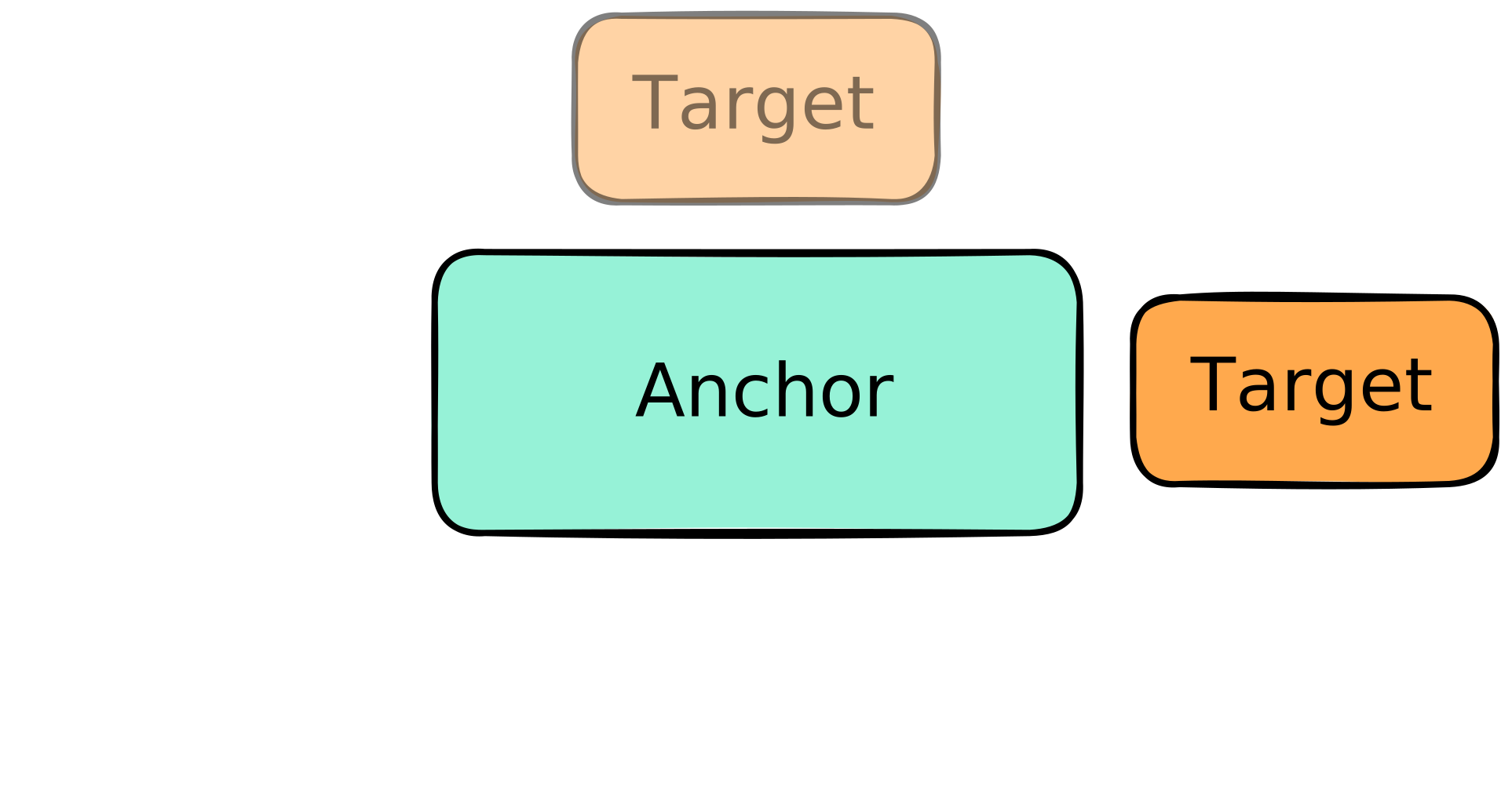
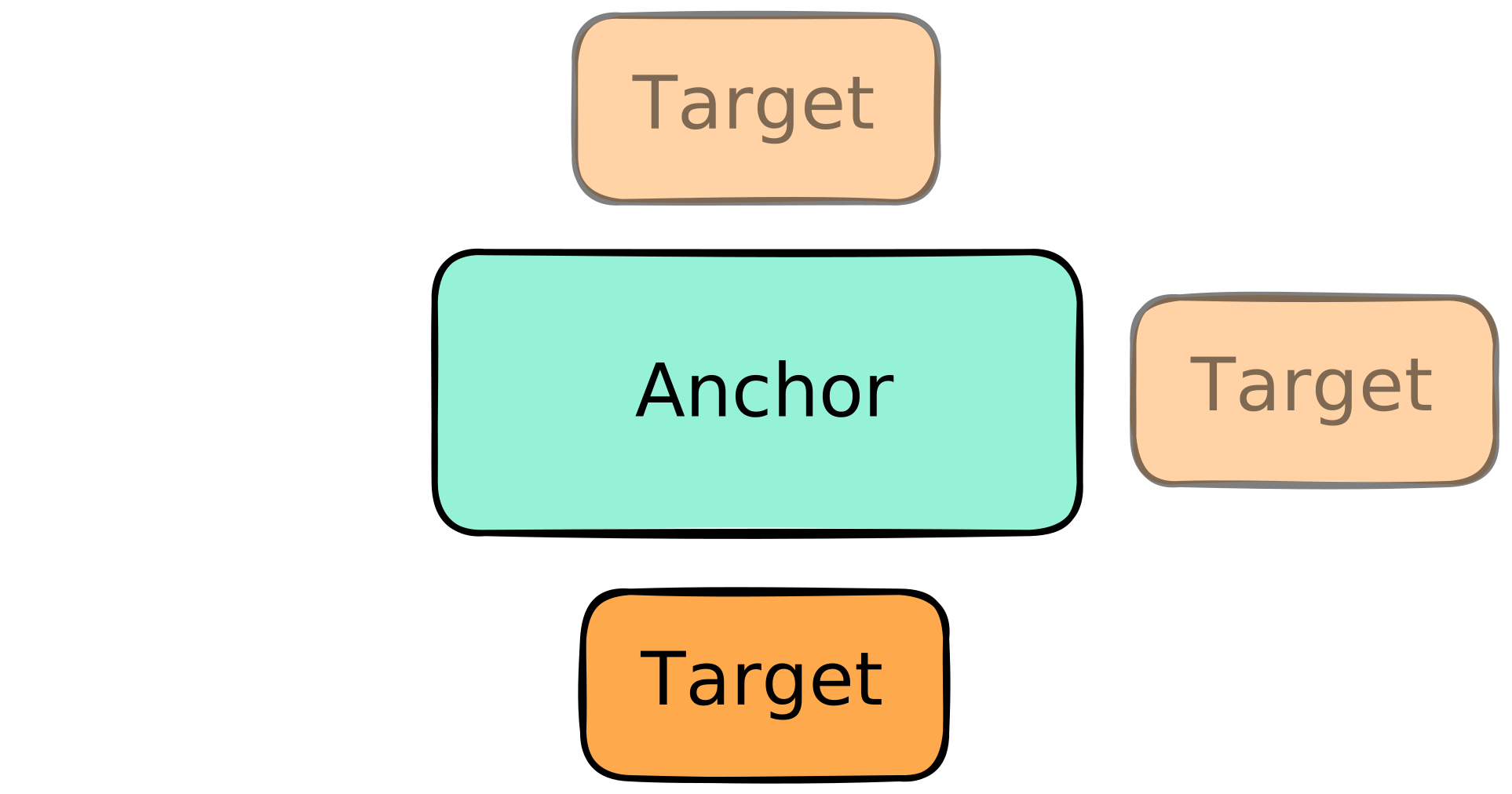
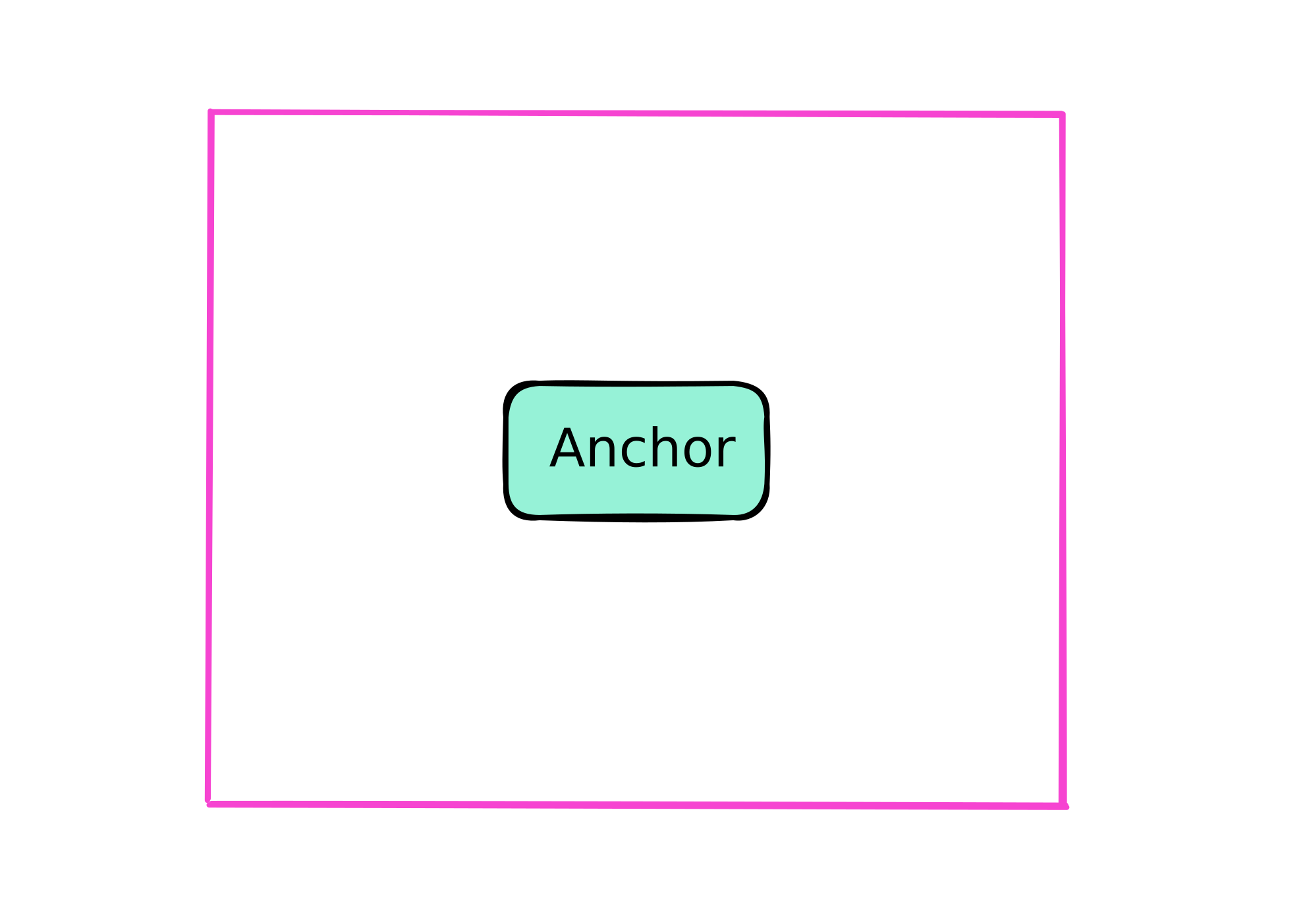
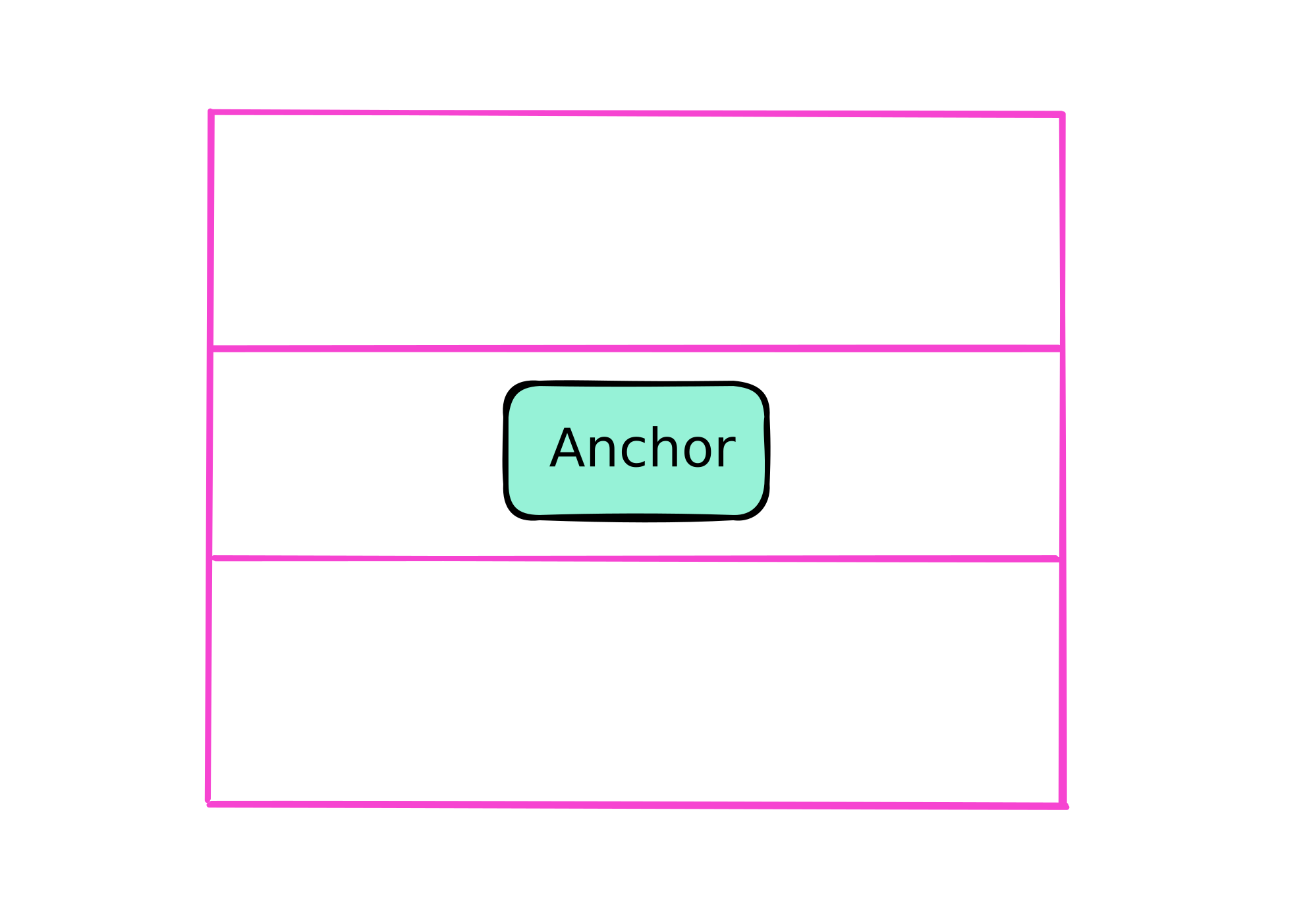
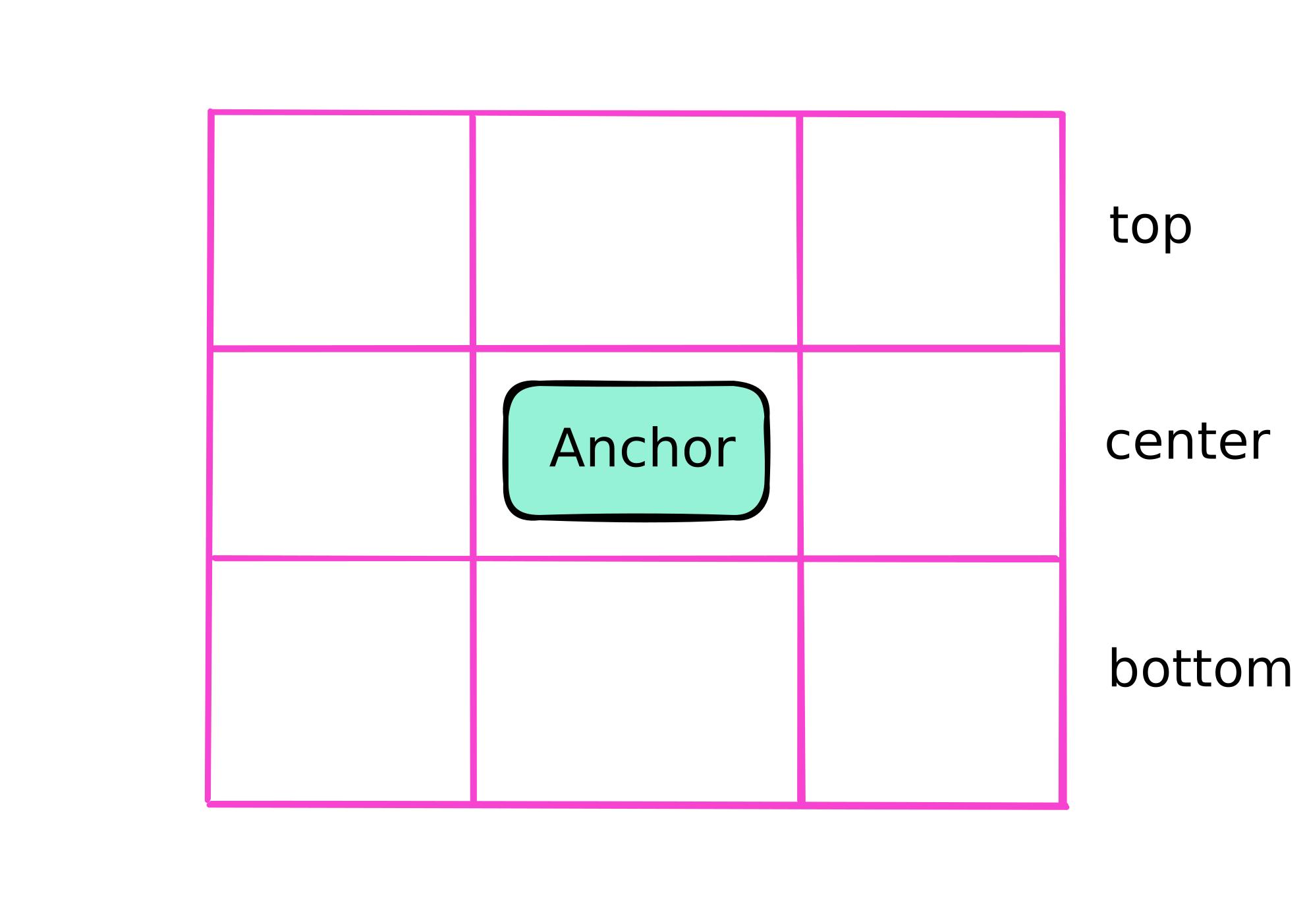
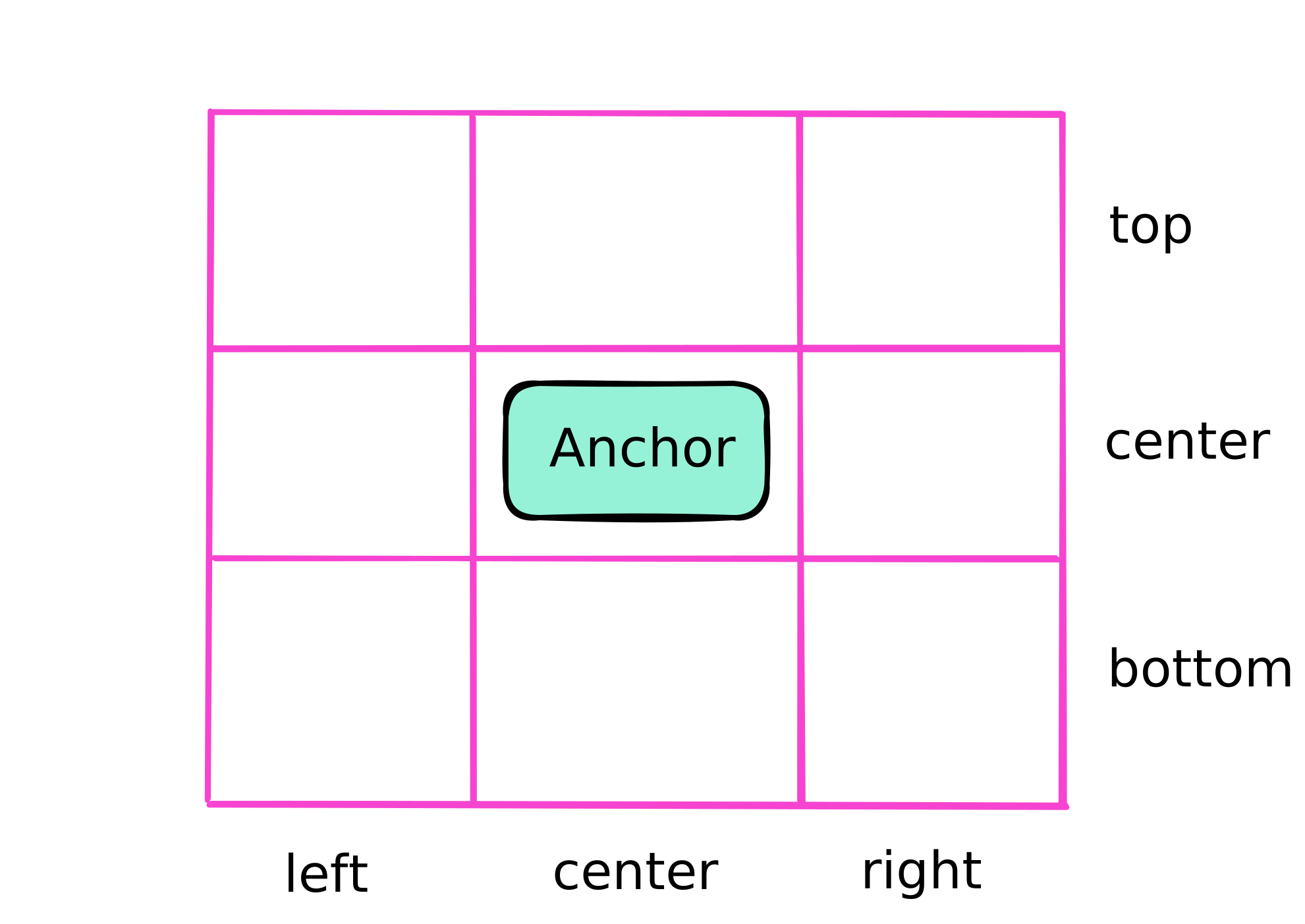
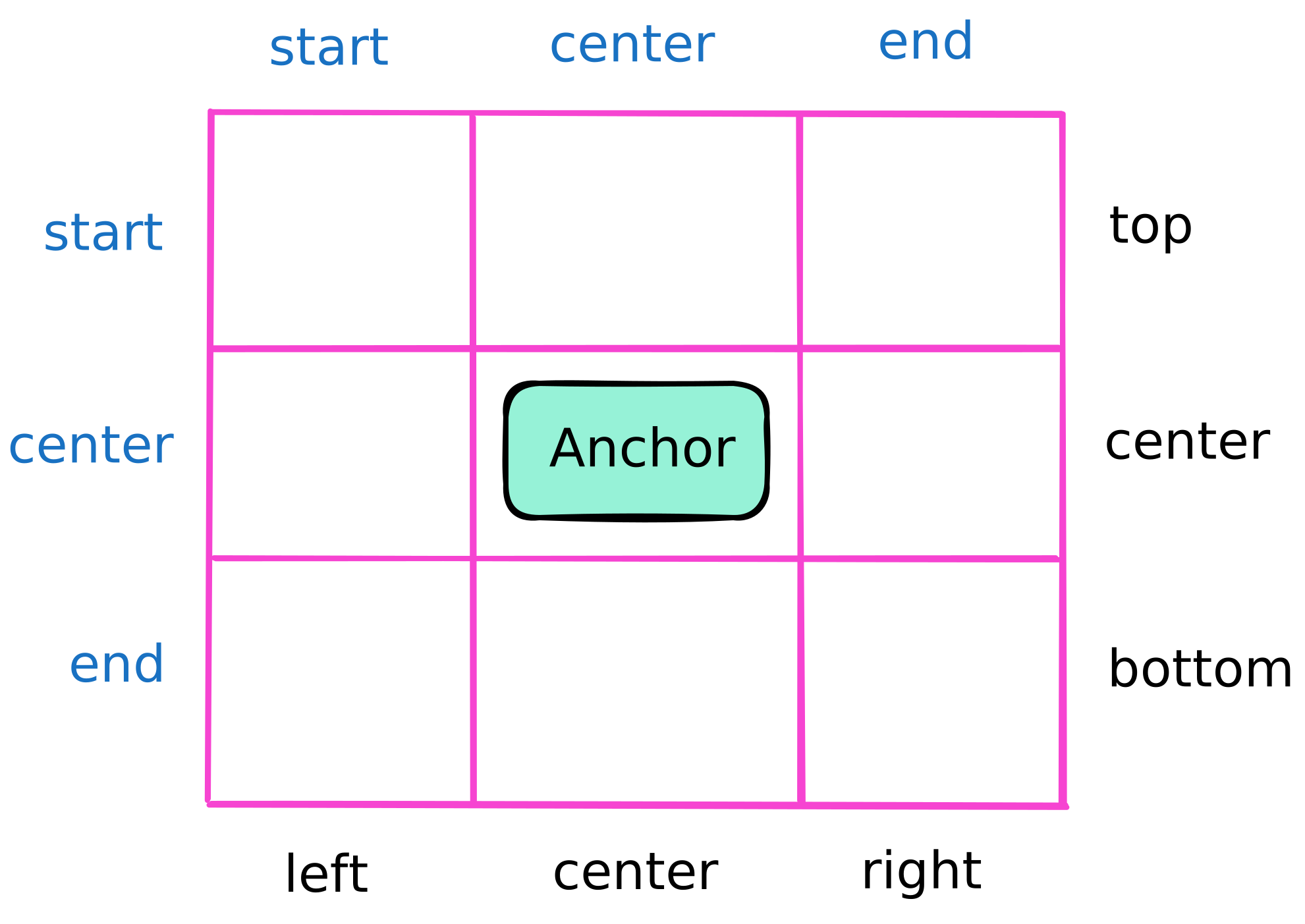
    position-area: top center;
    position-area: start center;
    position-area: block-start center;
    position-area: y-start center;
}

.target {
    position-area: top;
}
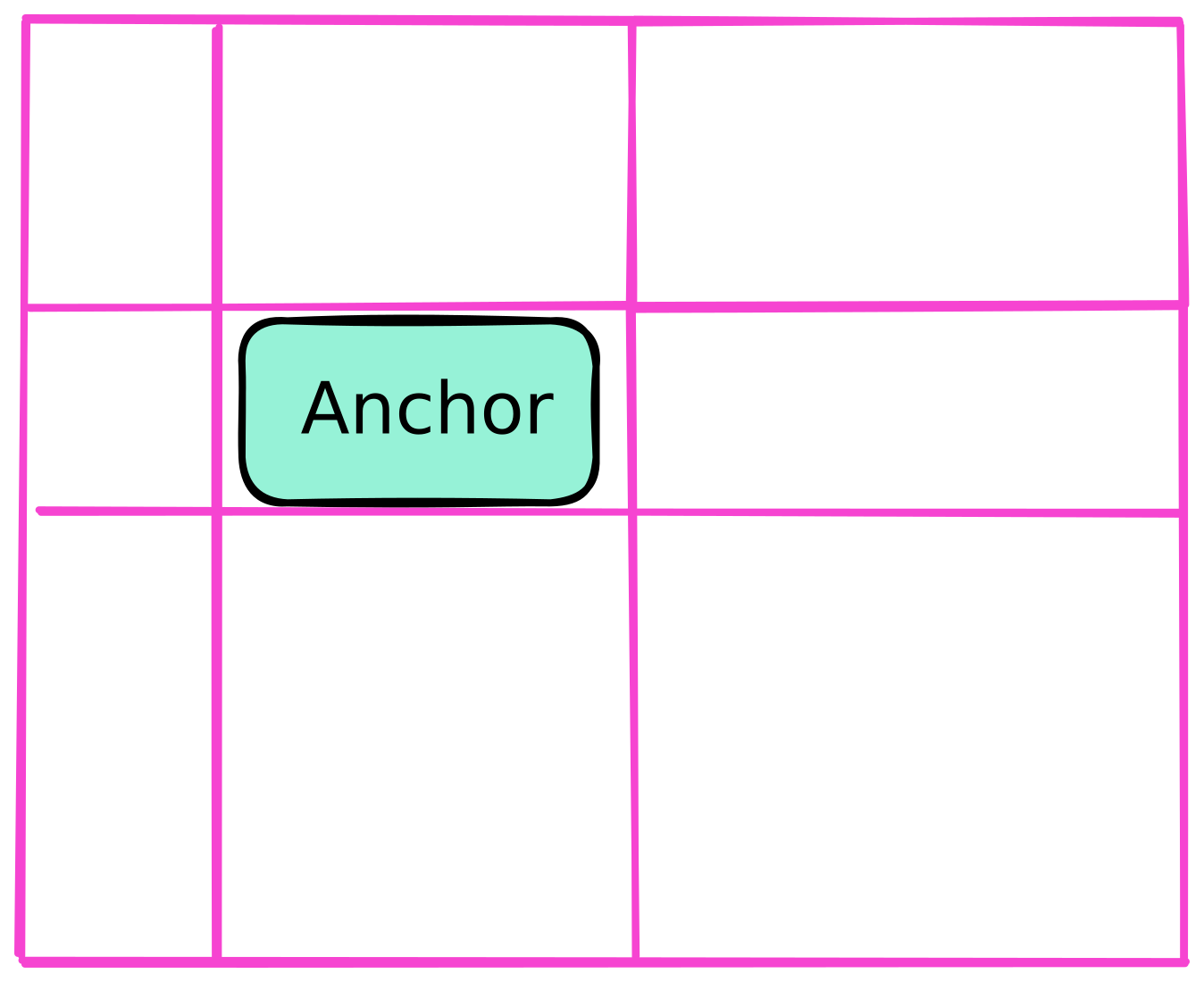
        .target {
            position-area: top right;
        }
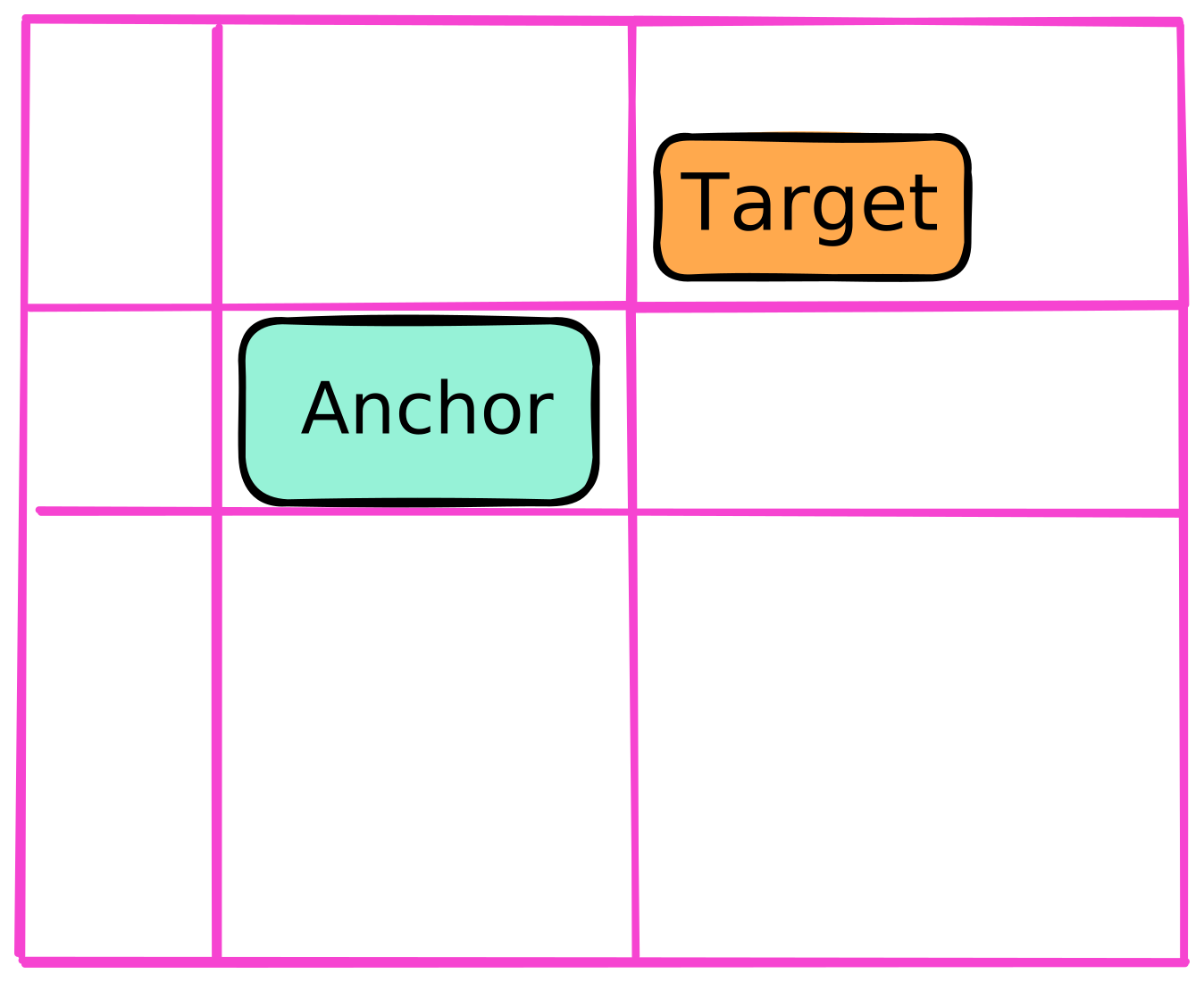
        .target {
            position-area: top right;
        }
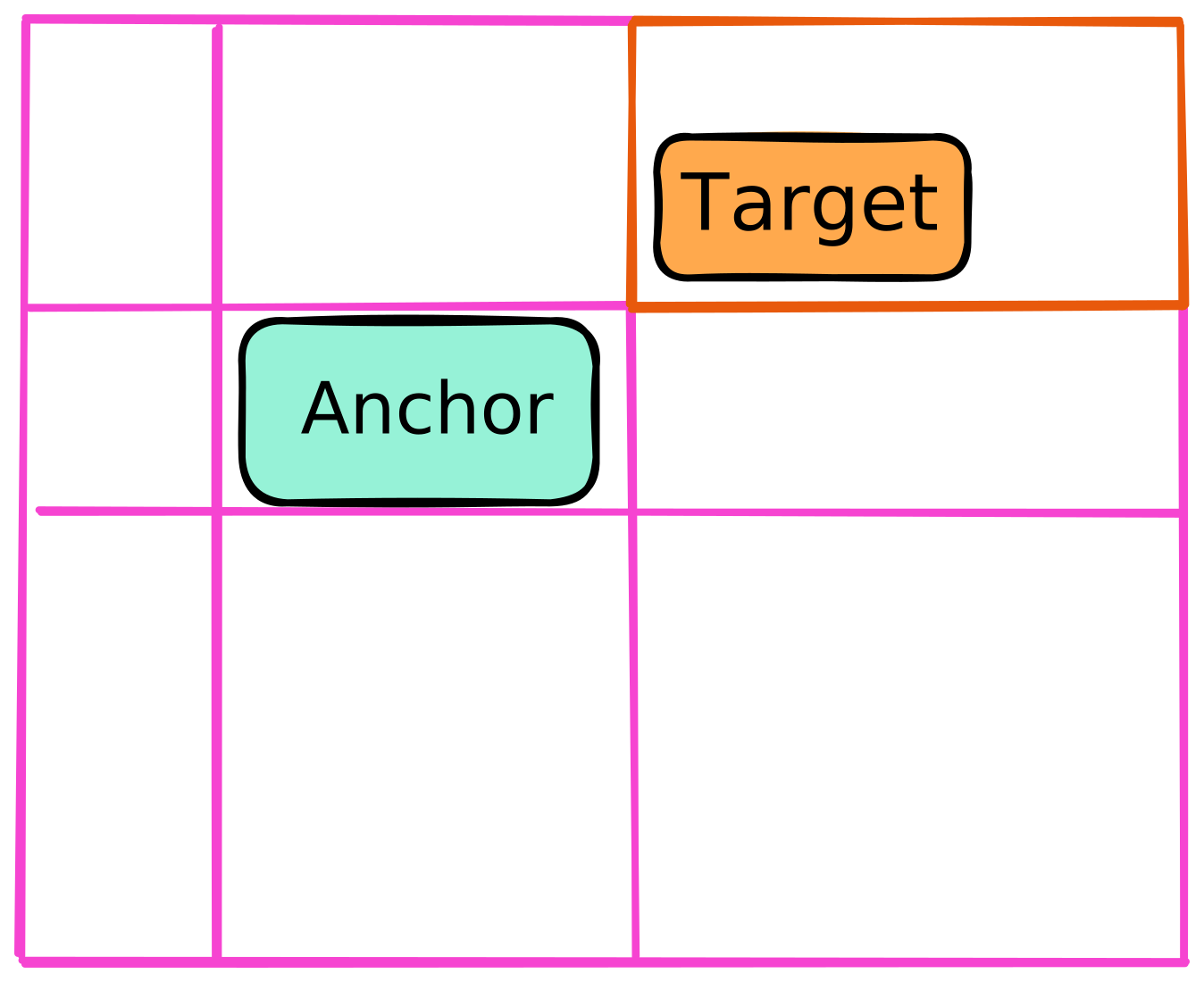

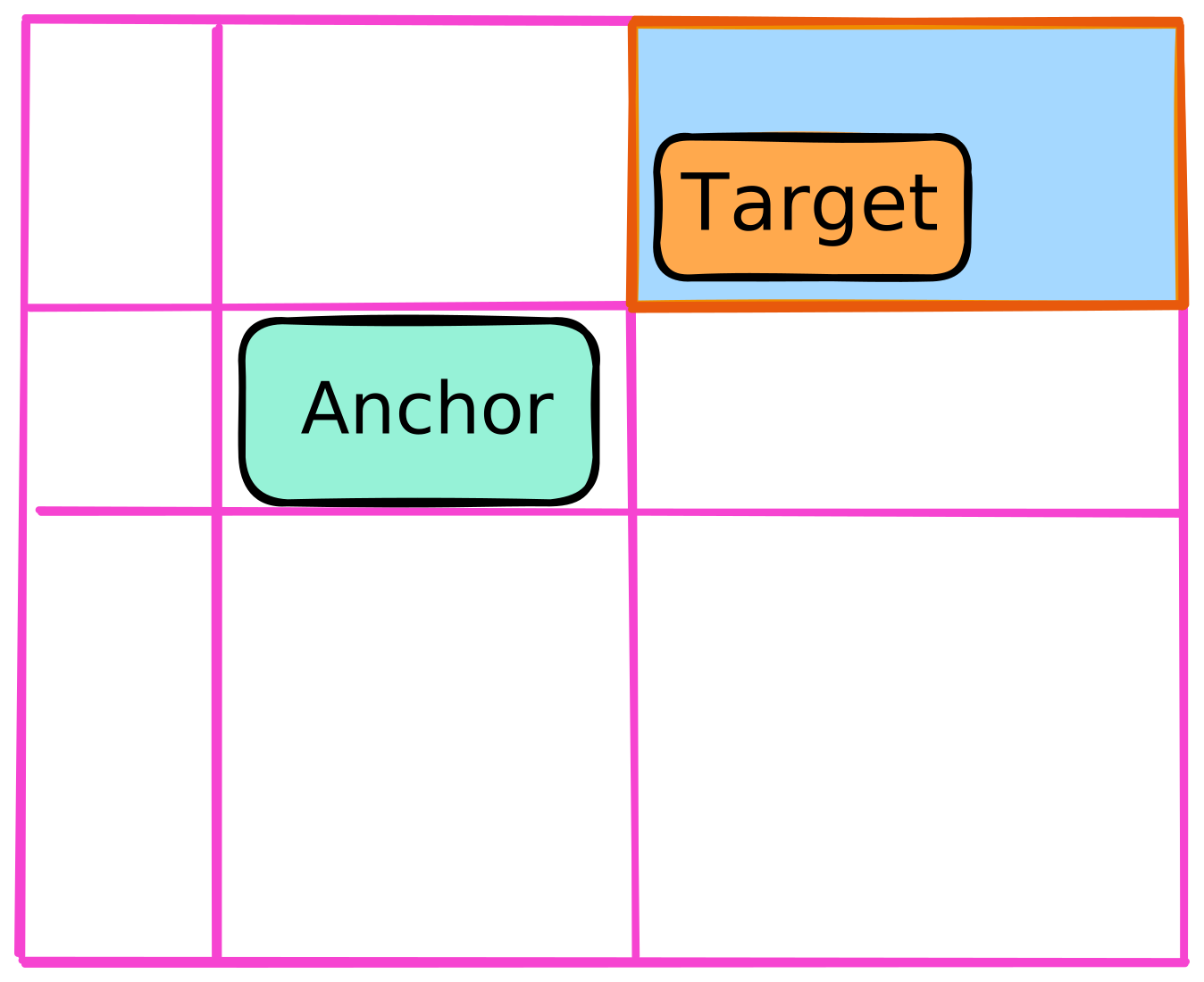
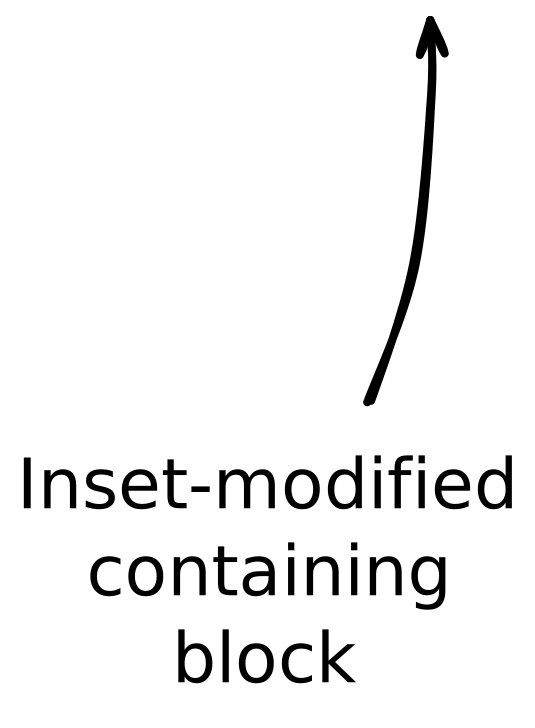
        .target {
            position-area: top right;
        }
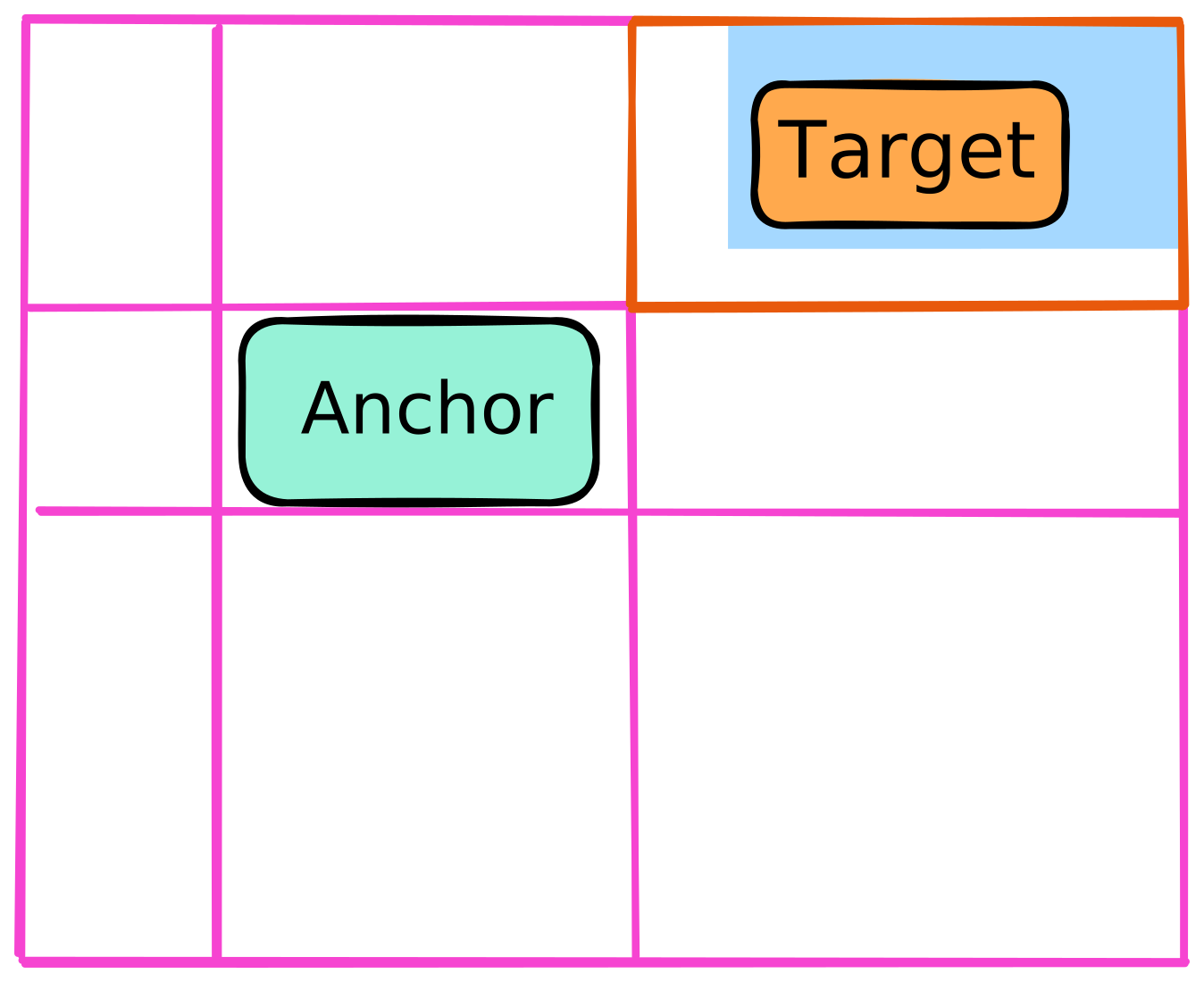
        .target {
            position-area: top right;
            left: 10%;
            bottom: 5%;
        }
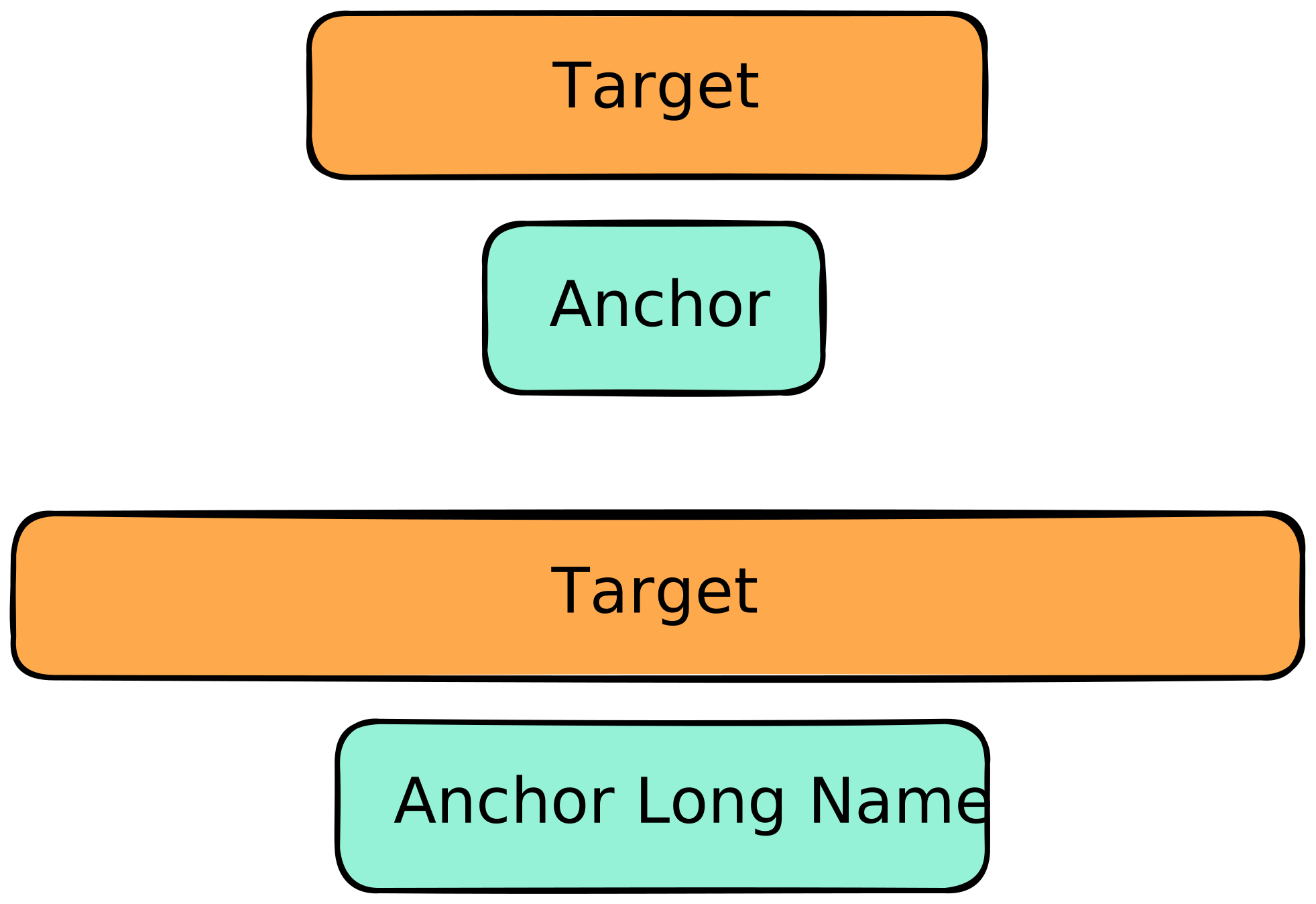
        .target {
            width: anchor-size(width);
        }
            inline-size: anchor-size(inline);
            inline-size: anchor-size(self-inline);

        .target {
            width: anchor-size(width);
            inline-size: anchor-size(inline);
            inline-size: anchor-size(self-inline);
        }

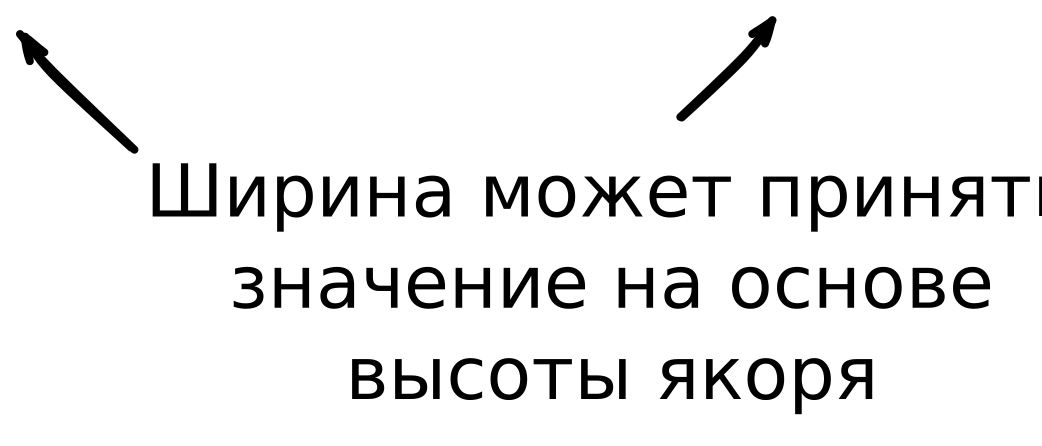
        .target {
            width: anchor-size(width);
            width: anchor-size(height);
        }
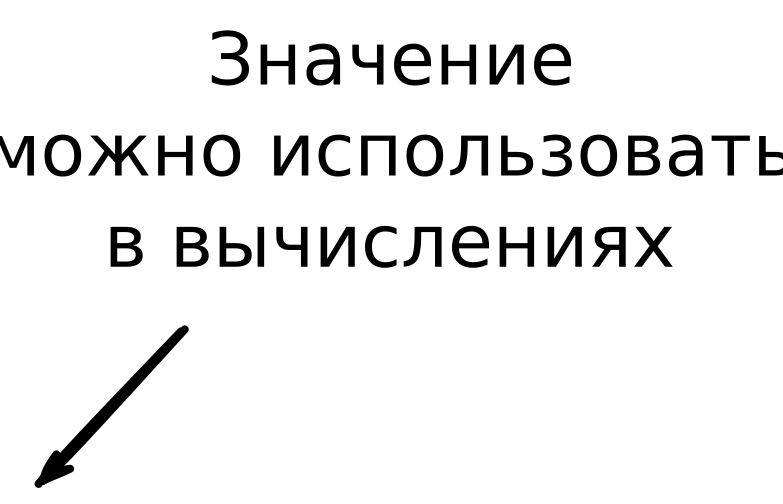
        .target {
            width: calc(anchor-size(width) * 2);
        }
        .target {
            width: anchor-size(width);
            width: anchor-size(--my-anchor width);
        }
        .target {
            width: anchor-size(--my-anchor width, 200px);
        }

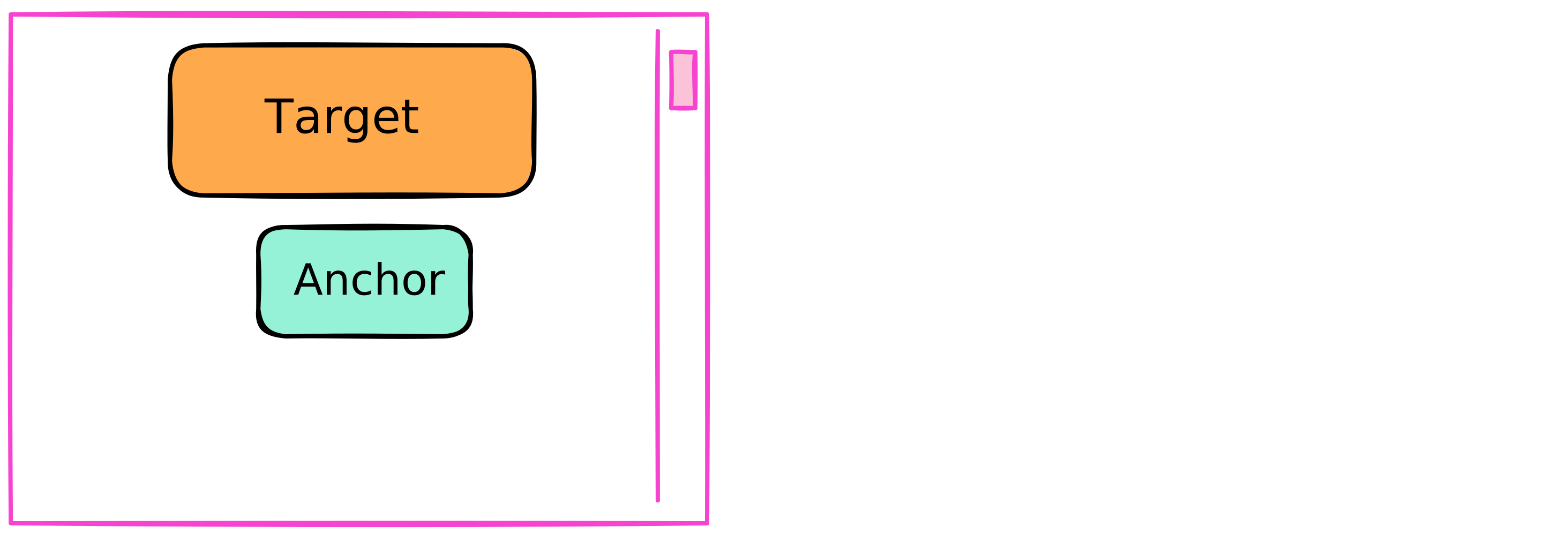
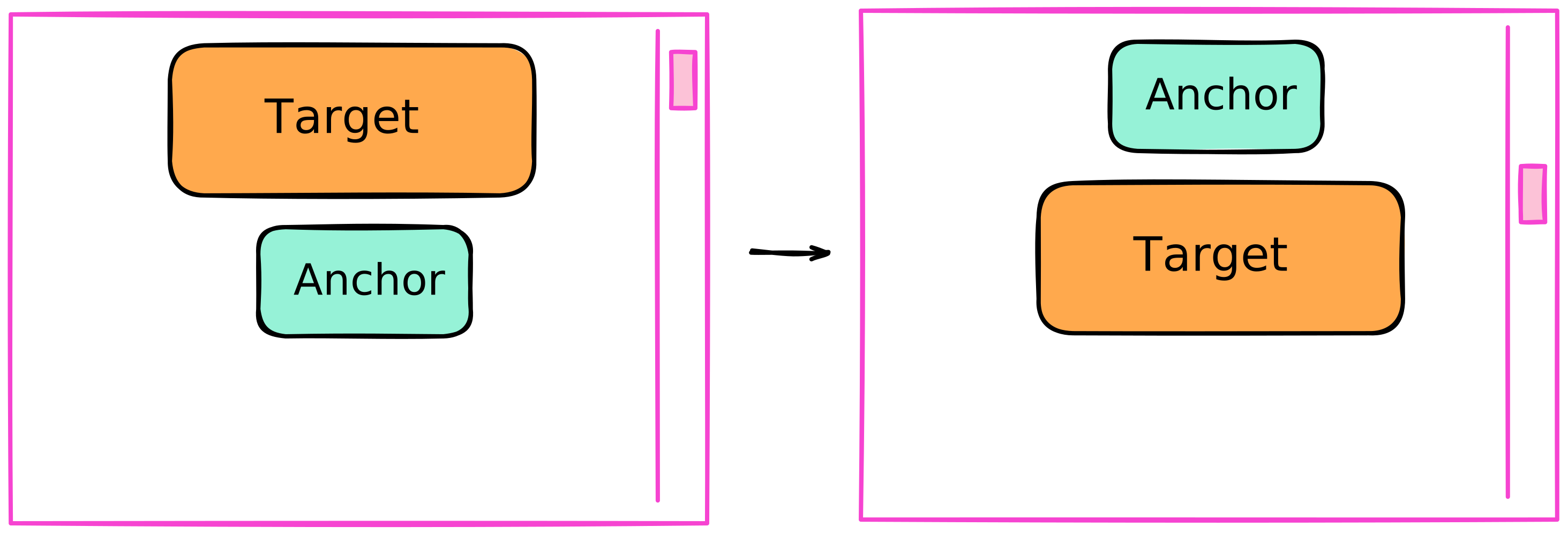
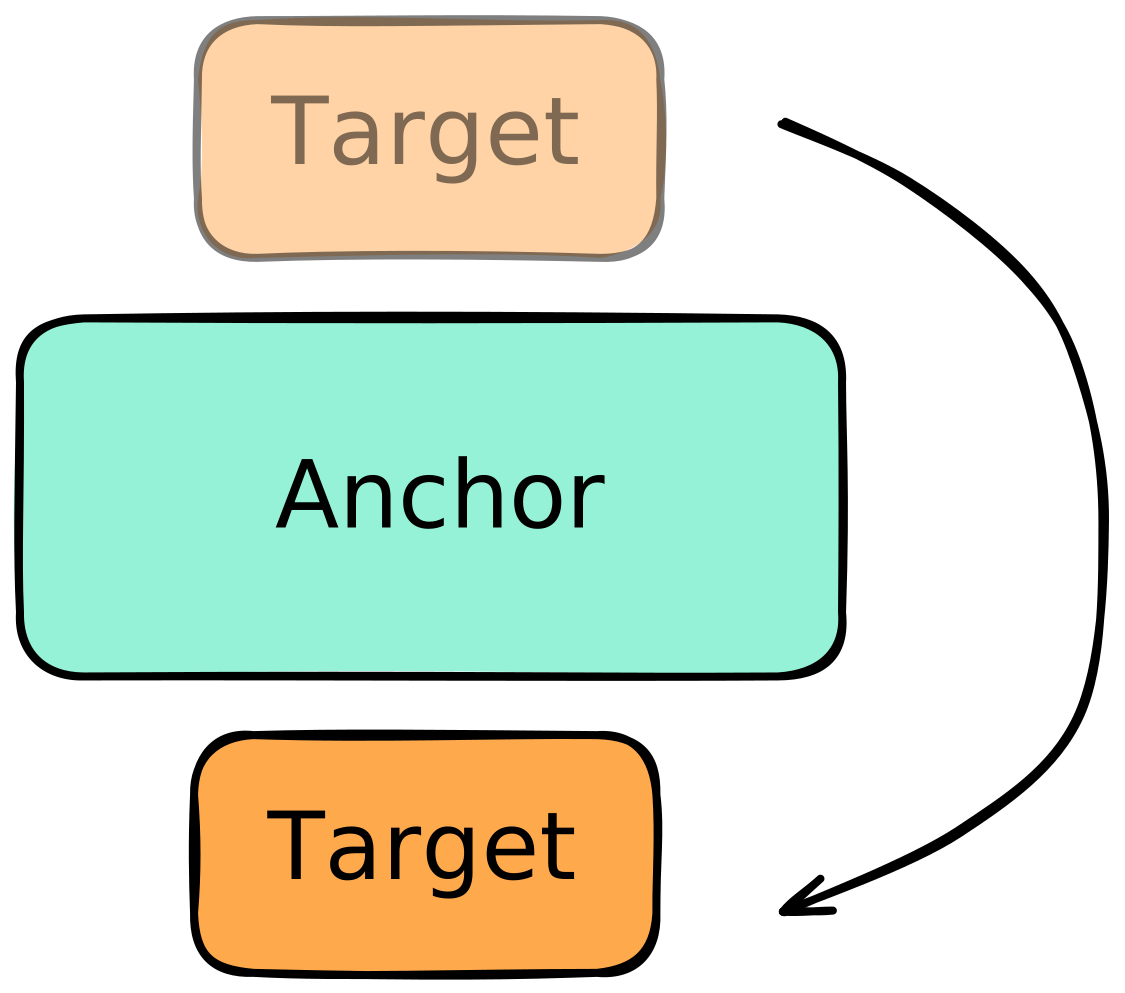
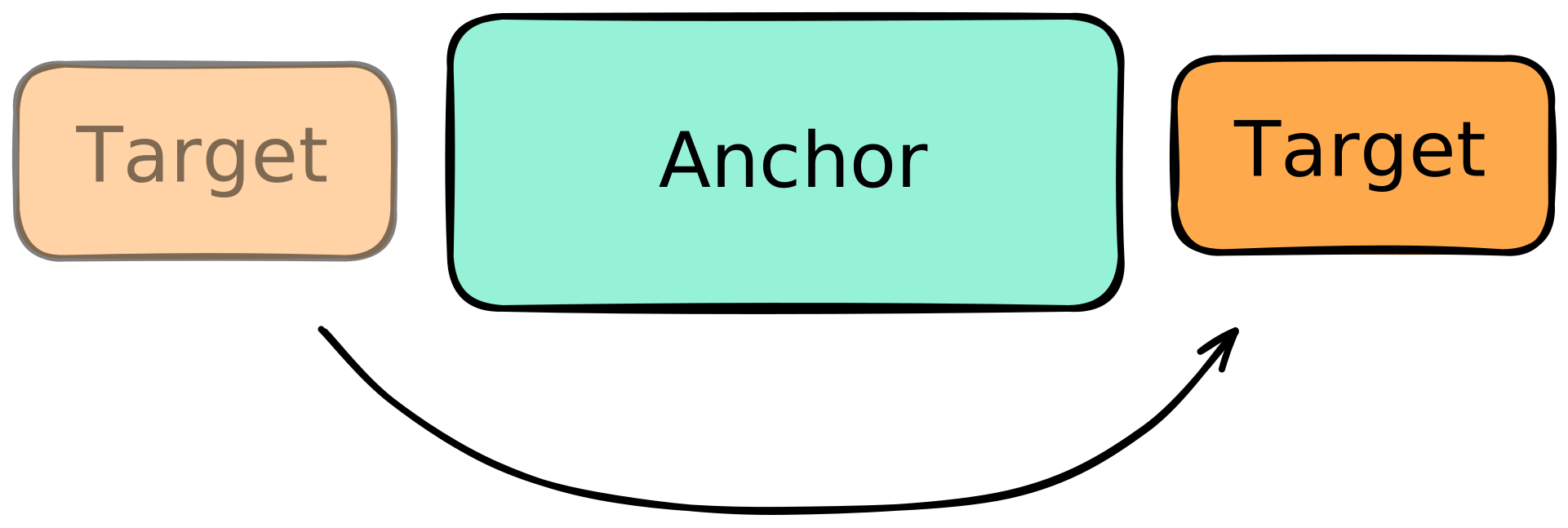
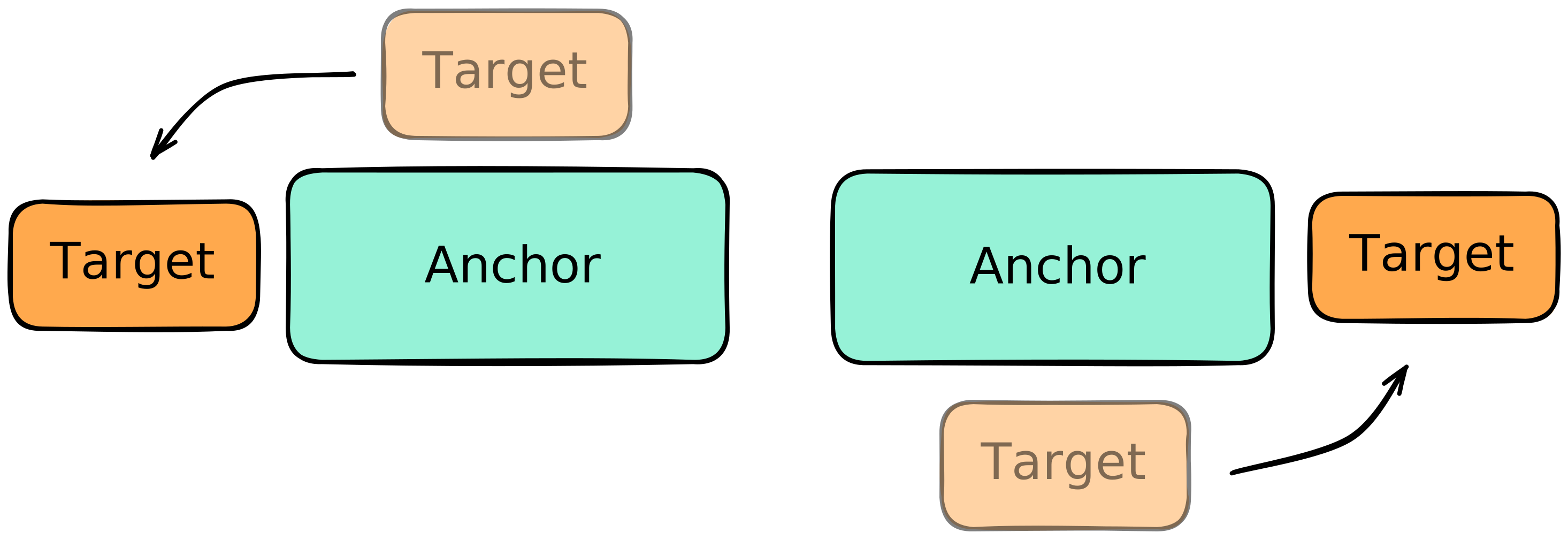
        .target {
            position-area: top center;
            position-try-fallbacks:
                --left,
                --right,
                --bottom;
        }

        @position-try --left {
            position-area: left center;
        }
        @position-try --right {
            position-area: right center;
            left: 50%;
        }
        @position-try --bottom {
            position-area: bottom center;
        }
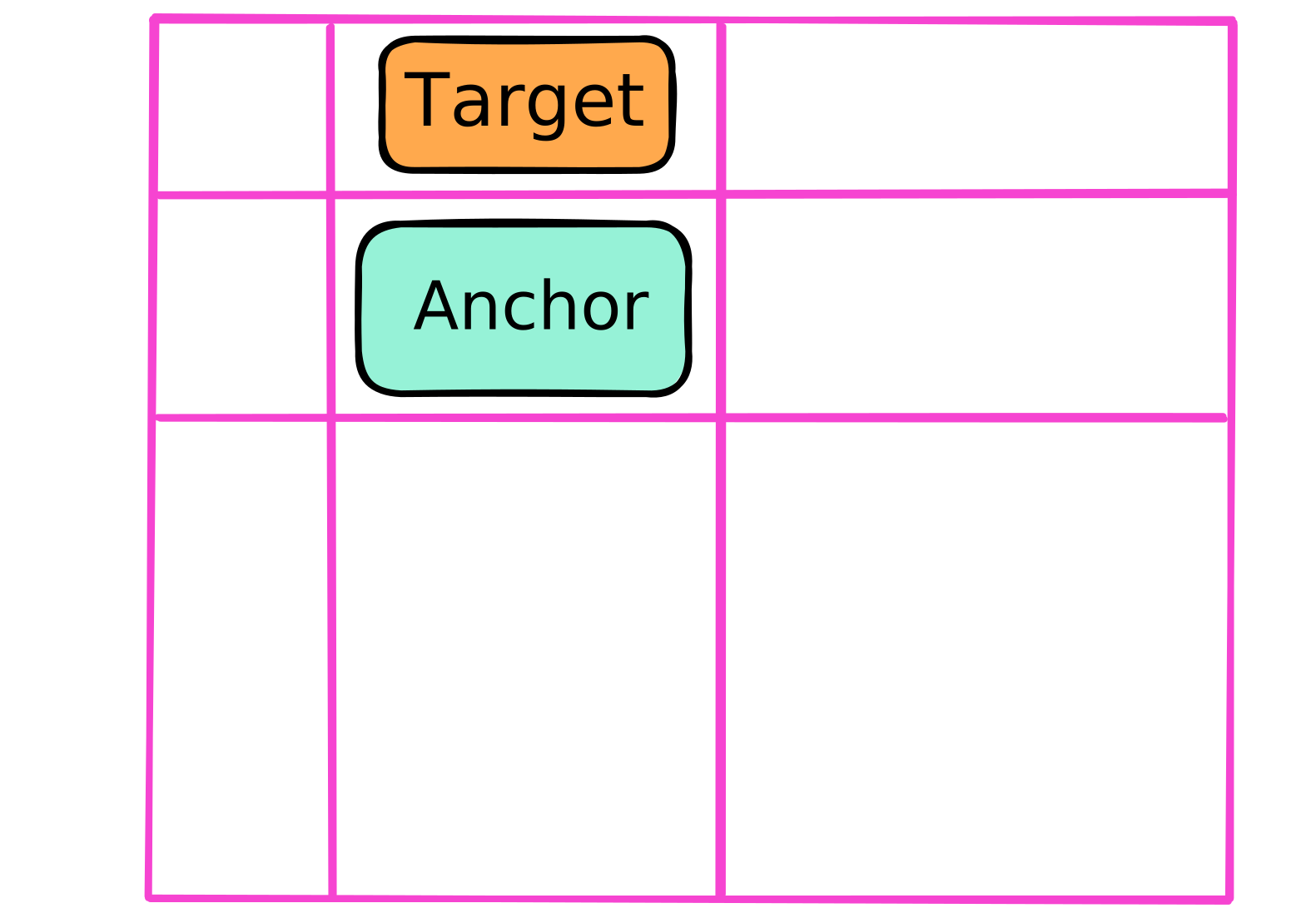
        .target {
            position-area: top center;
            position-try-fallbacks:
                --left,
                --right,
                --bottom;
        }

        @position-try --left {
            position-area: left center;
        }
        @position-try --right {
            position-area: right center;
            left: 50%;
        }
        @position-try --bottom {
            position-area: bottom center;
        }
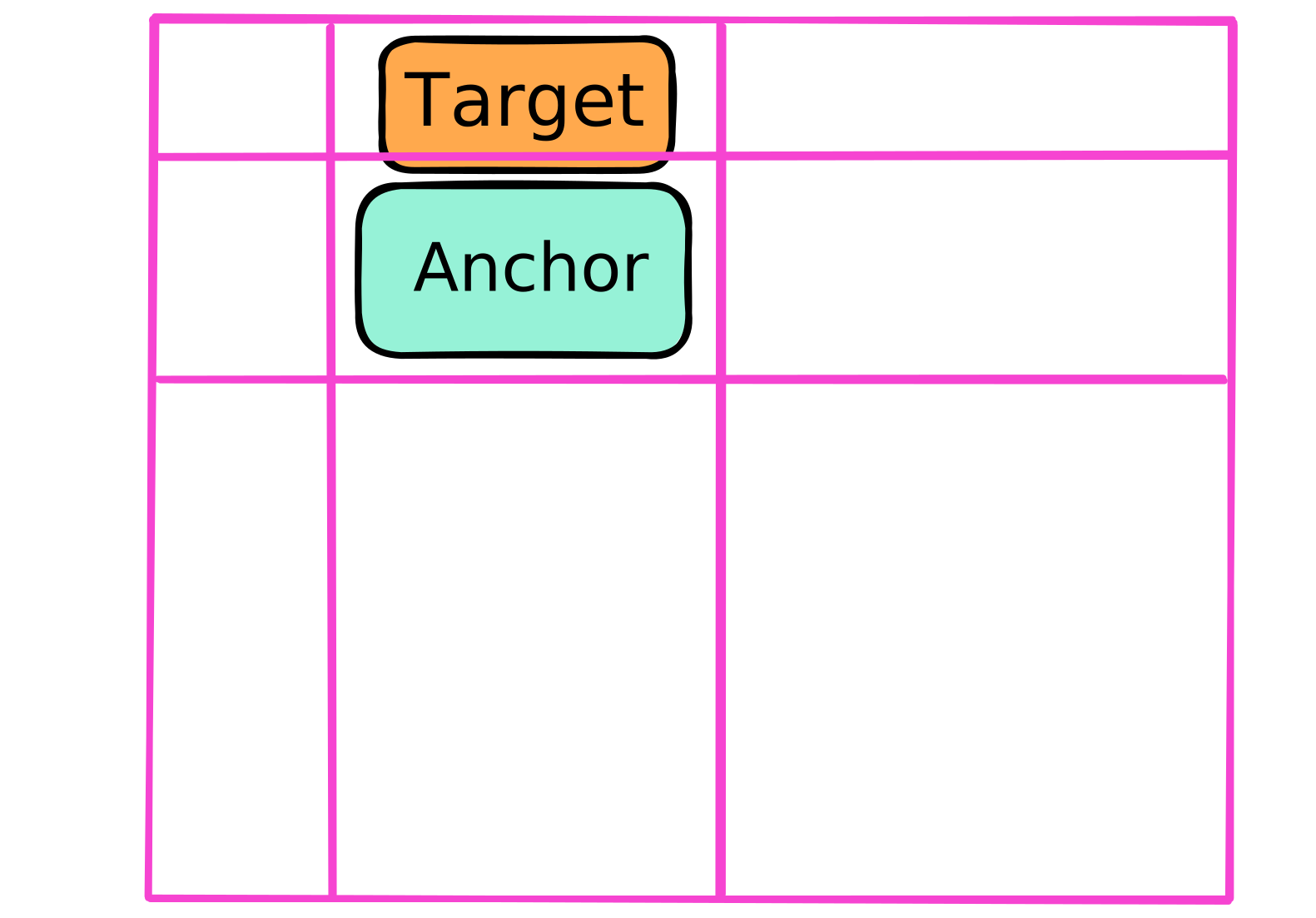
        .target {
            position-area: top center;
            position-try-fallbacks:
                --left,
                --right,
                --bottom;
        }

        @position-try --left {
            position-area: left center;
        }
        @position-try --right {
            position-area: right center;
            left: 50%;
        }
        @position-try --bottom {
            position-area: bottom center;
        }
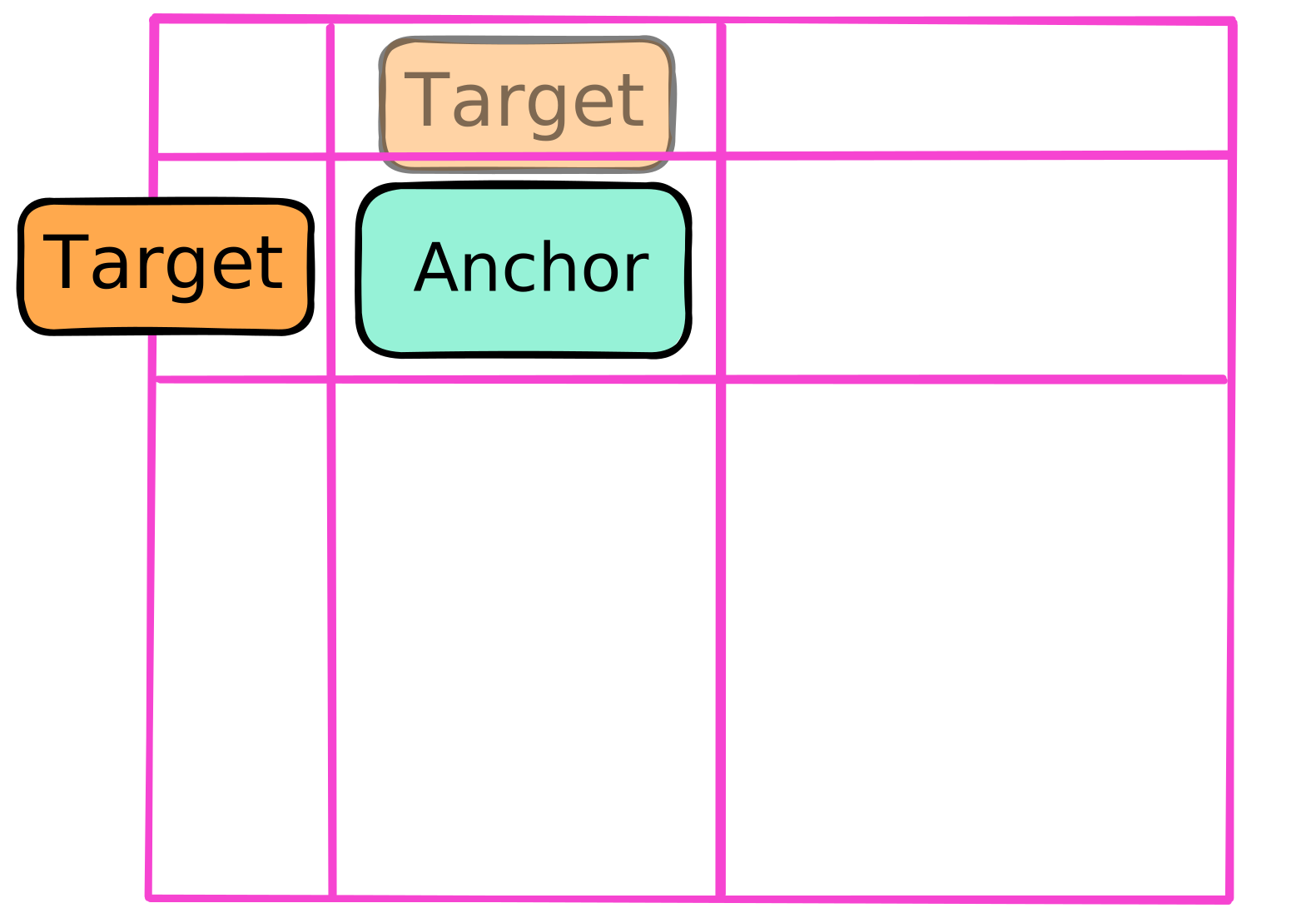
        .target {
            position-area: top center;
            position-try-fallbacks:
                --left,
                --right,
                --bottom;
        }

        @position-try --left {
            position-area: left center;
        }
        @position-try --right {
            position-area: right center;
            left: 50%;
        }
        @position-try --bottom {
            position-area: bottom center;
        }
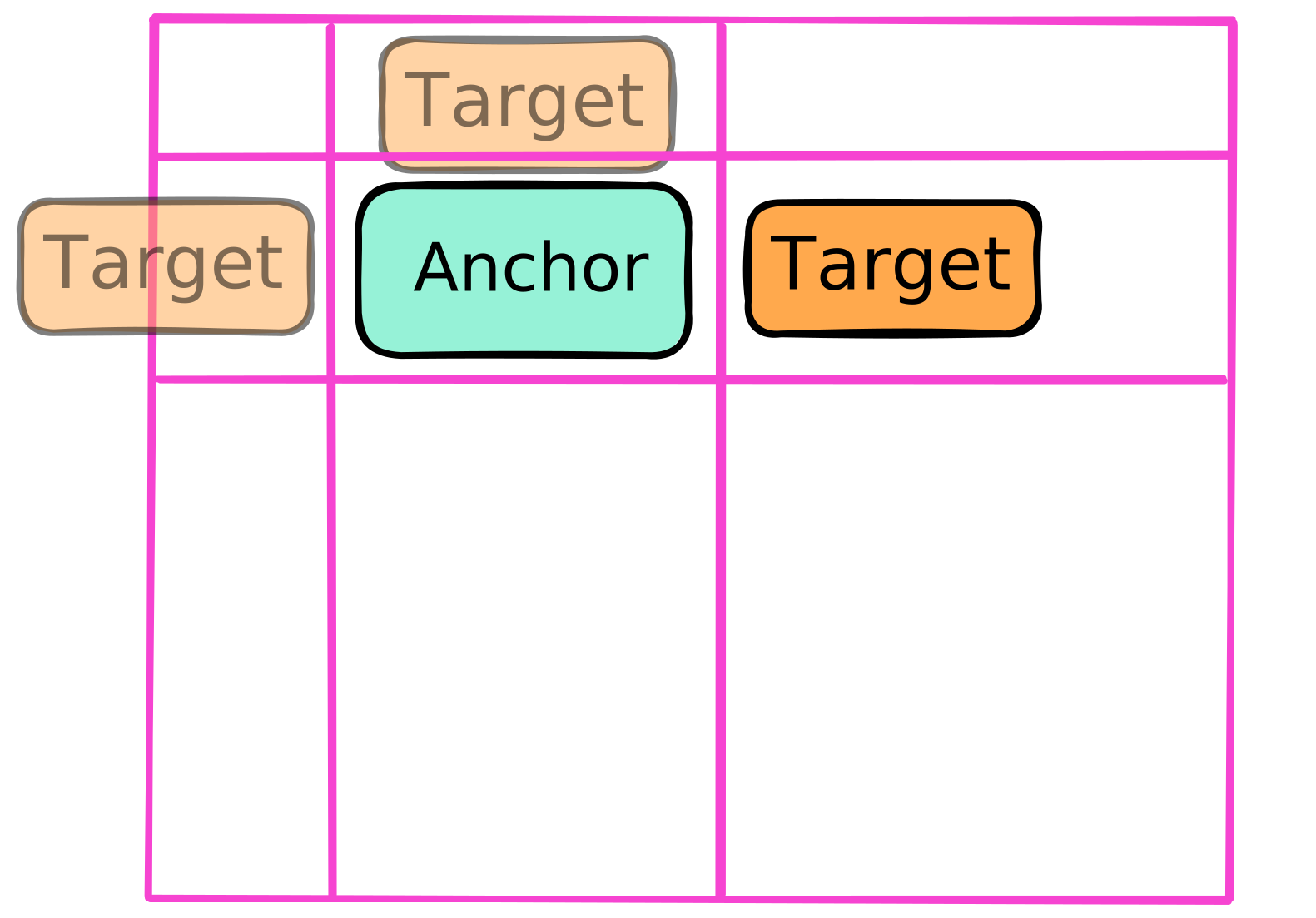
        .target {
            position-area: top center;
            position-try-fallbacks:
                --left,
                --right,
                --bottom;
        }

        @position-try --left {
            position-area: left center;
        }
        @position-try --right {
            position-area: right center;
            left: 50%;
        }
        @position-try --bottom {
            position-area: bottom center;
        }
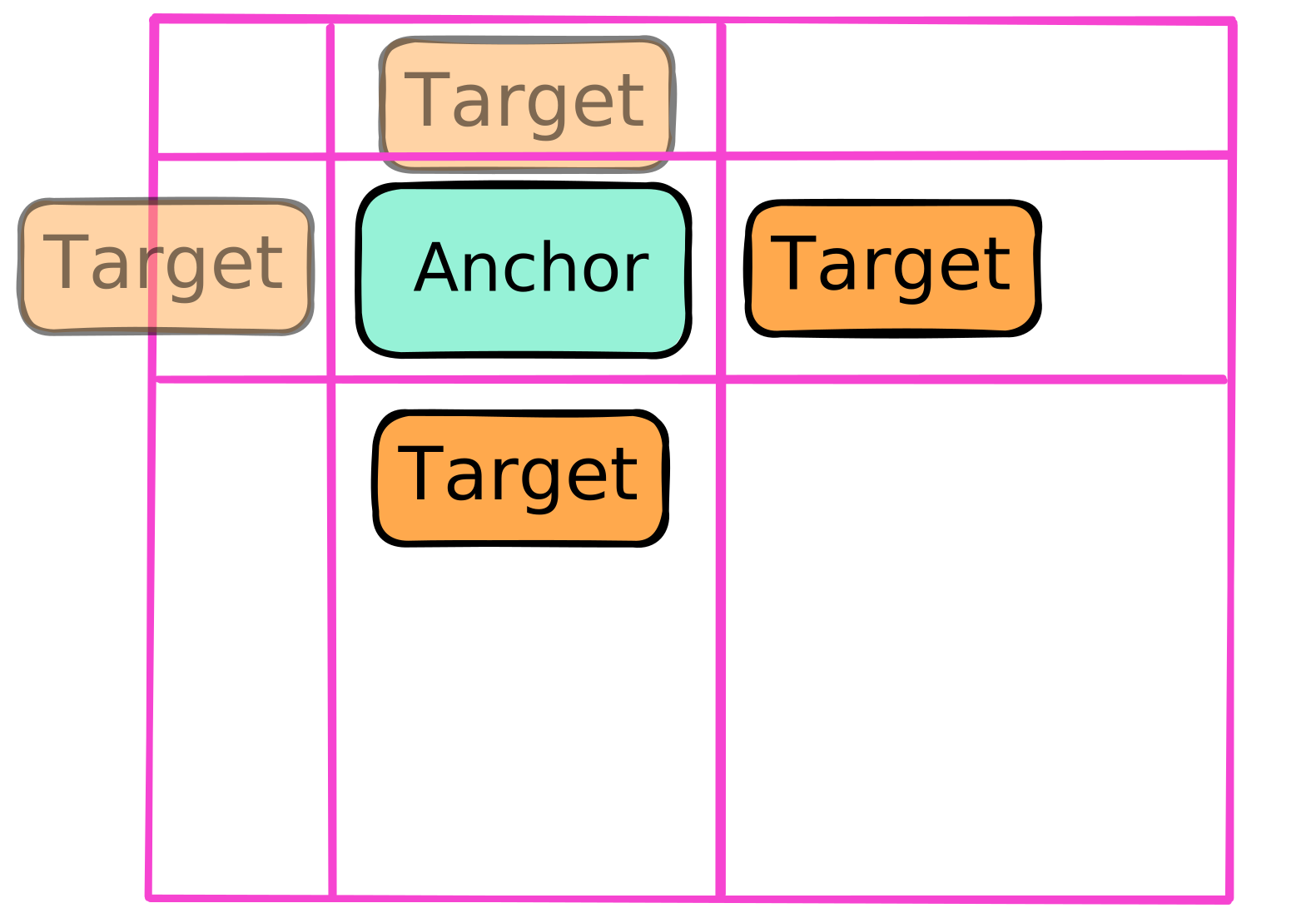
        .target {
            position-area: top center;
            position-try-fallbacks:
                --left,
                --right,
                --bottom;
        }

        @position-try --left {
            position-area: left center;
        }
        @position-try --right {
            position-area: right center;
            left: 50%;
        }
        @position-try --bottom {
            position-area: bottom center;
        }

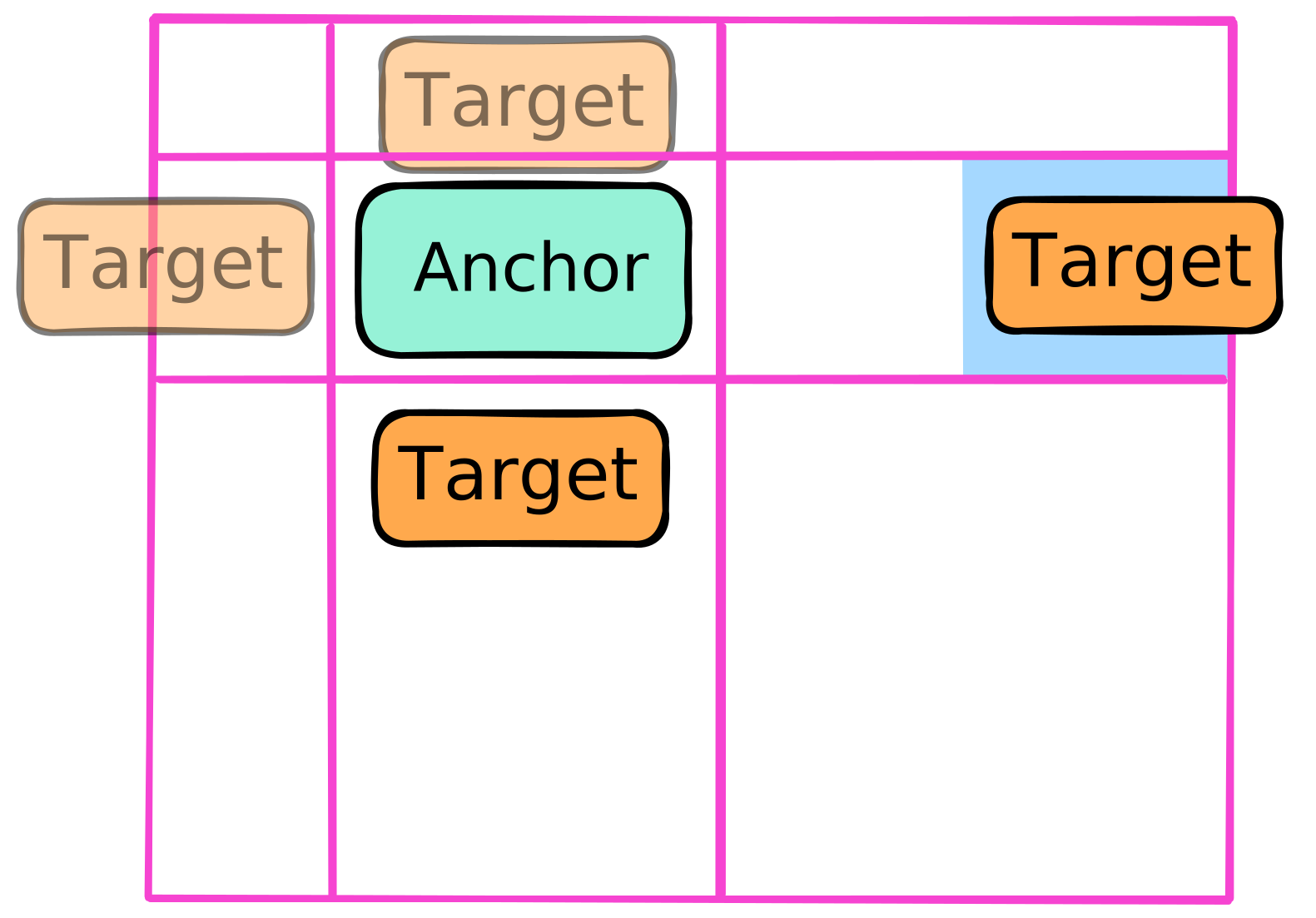
        .target {
            position-area: top center;
            position-try-fallbacks:
                --left,
                --right,
                --bottom;
        }

        @position-try --left {
            position-area: left center;
        }
        @position-try --right {
            position-area: right center;
            left: 50%;
        }
        @position-try --bottom {
            position-area: bottom center;
        }

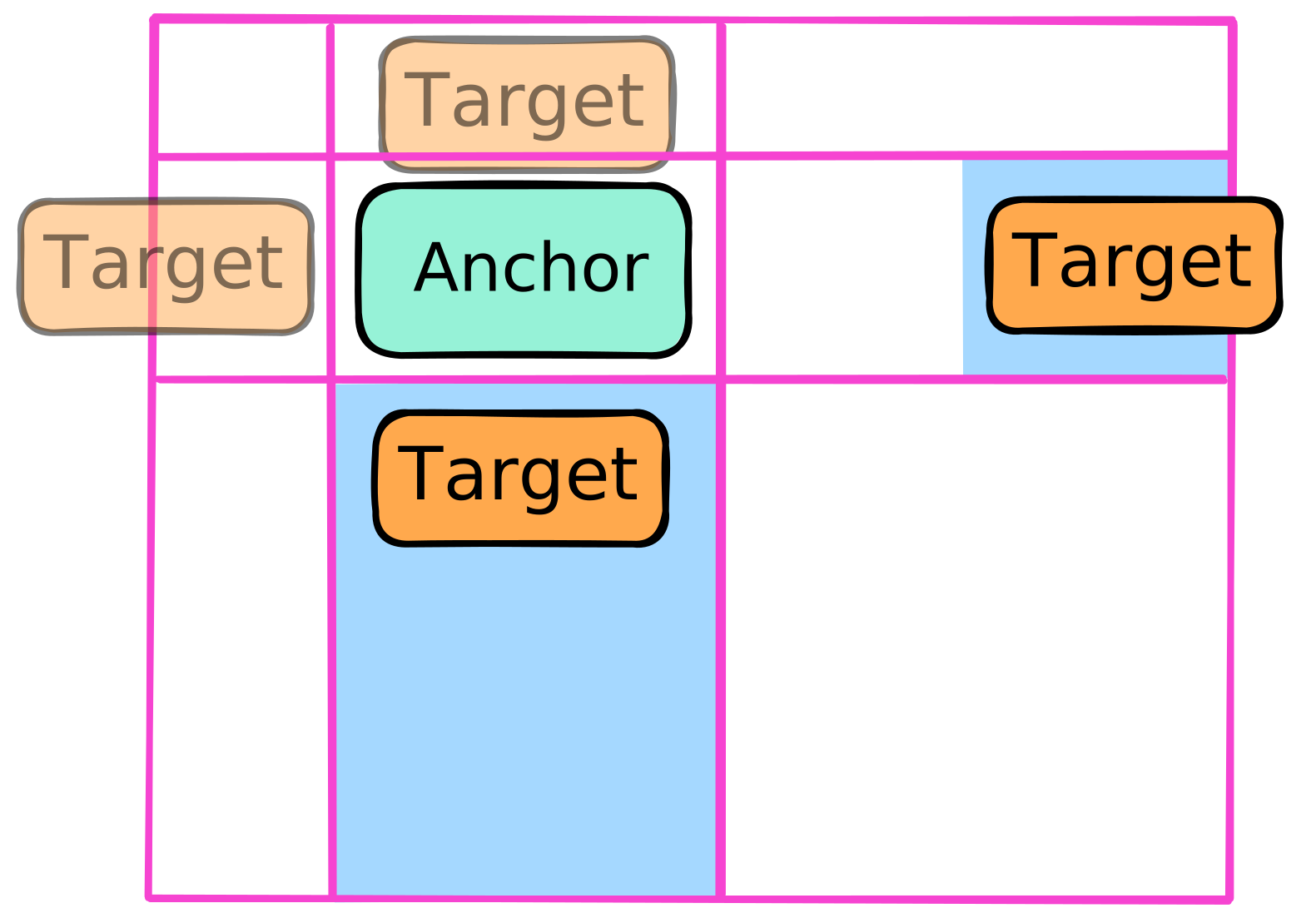
        .target {
            position-area: top center;
            position-try-fallbacks:
                --left,
                --right,
                --bottom;
        }

        @position-try --left {
            position-area: left center;
        }
        @position-try --right {
            position-area: right center;
            left: 50%;
        }
        @position-try --bottom {
            position-area: bottom center;
        }
        .target {
            position-area: top center;
            position-try-fallbacks:
                --left,
                --right,
                --bottom;
        }

        @position-try --left {
            position-area: left center;
        }
        @position-try --right {
            position-area: right center;
            left: 50%;
        }
        @position-try --bottom {
            position-area: bottom center;
        }
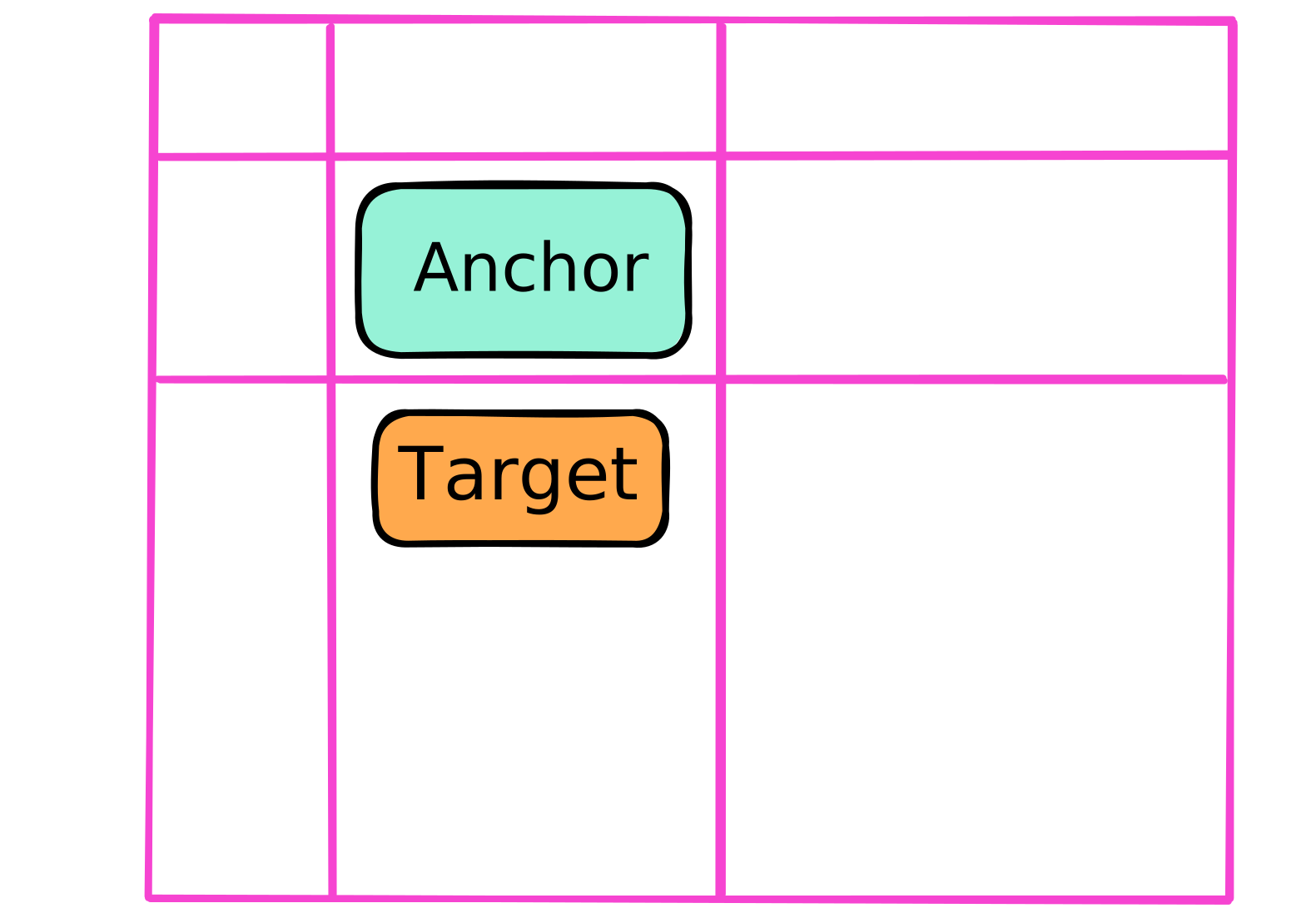
                .target {
                    position-area: top center;
                    position-try-fallbacks: --left, --bottom, --right;
                }

                @position-try --left {
                    position-area: left center;
                }

                @position-try --bottom {
                    position-area: bottom center;
                }

                @position-try --right {
                    position-area: right center;
                }
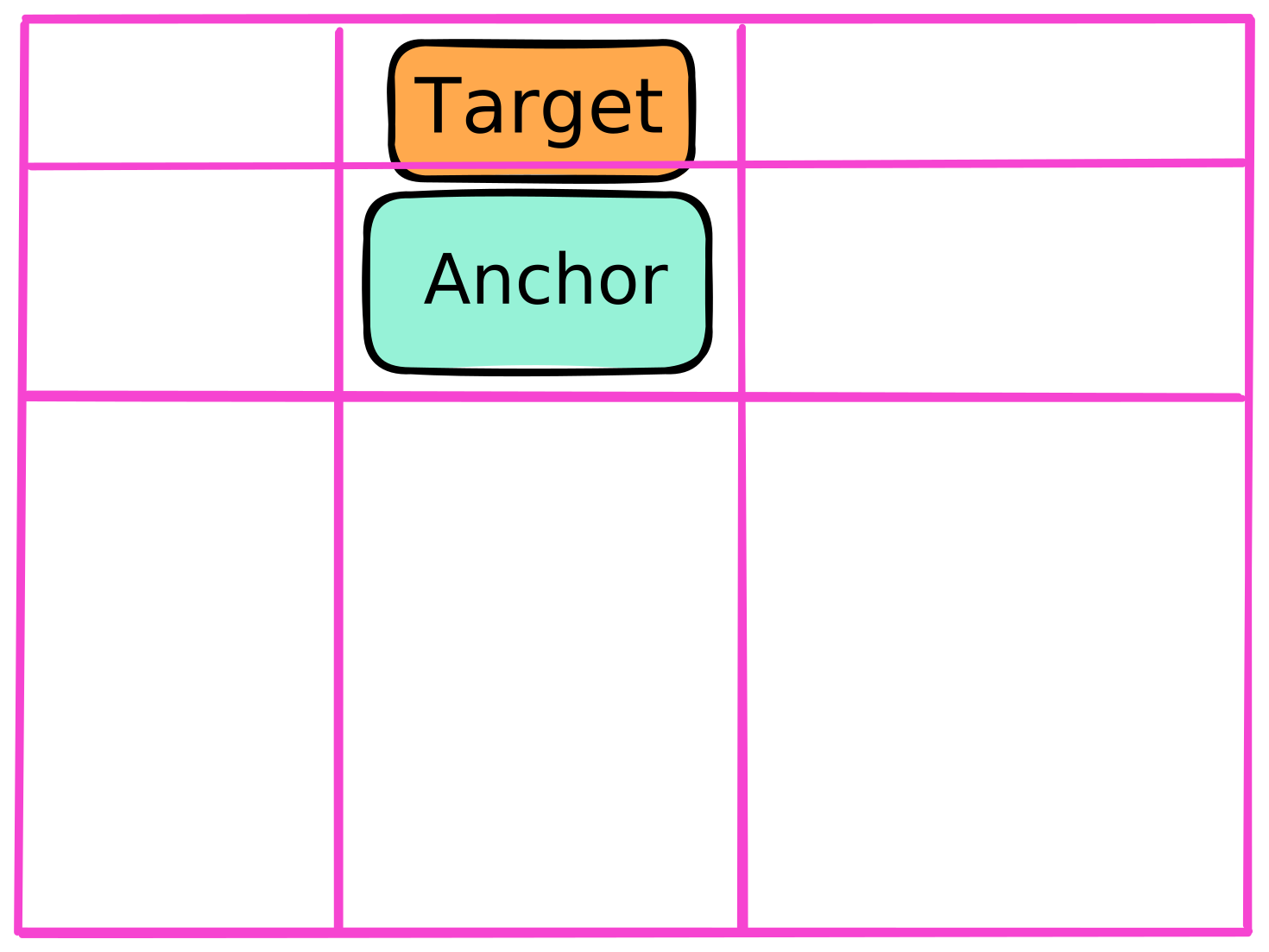
                .target {
                    position-area: top center;
                    position-try-fallbacks: --left, --bottom, --right;
                    position-try-order: normal;
                }

                @position-try --left {
                    position-area: left center;
                }

                @position-try --bottom {
                    position-area: bottom center;
                }

                @position-try --right {
                    position-area: right center;
                }
                .target {
                    position-area: top center;
                    position-try-fallbacks: --left, --bottom, --right;
                    position-try-order: normal;
                }

                @position-try --left {
                    position-area: left center;
                }

                @position-try --bottom {
                    position-area: bottom center;
                }

                @position-try --right {
                    position-area: right center;
                }

                .target {
                    position-area: top center;
                    position-try-fallbacks: --left, --bottom, --right;
                    position-try-order: normal;
                }

                @position-try --left {
                    position-area: left center;
                }

                @position-try --bottom {
                    position-area: bottom center;
                }

                @position-try --right {
                    position-area: right center;
                }
                .target {
                    position-area: top center;
                    position-try-fallbacks: --left, --bottom, --right;
                    position-try-order: normal;
                }

                @position-try --left {
                    position-area: left center;
                }

                @position-try --bottom {
                    position-area: bottom center;
                }

                @position-try --right {
                    position-area: right center;
                }
                .target {
                    position-area: top center;
                    position-try-fallbacks: --left, --bottom, --right;
                    position-try-order: normal;
                }

                @position-try --left {
                    position-area: left center;
                }

                @position-try --bottom {
                    position-area: bottom center;
                }

                @position-try --right {
                    position-area: right center;
                }

                .target {
                    position-area: top center;
                    position-try-fallbacks: --left, --bottom, --right;
                    position-try-order: normal;
                }

                @position-try --left {
                    position-area: left center;
                }

                @position-try --bottom {
                    position-area: bottom center;
                }

                @position-try --right {
                    position-area: right center;
                }

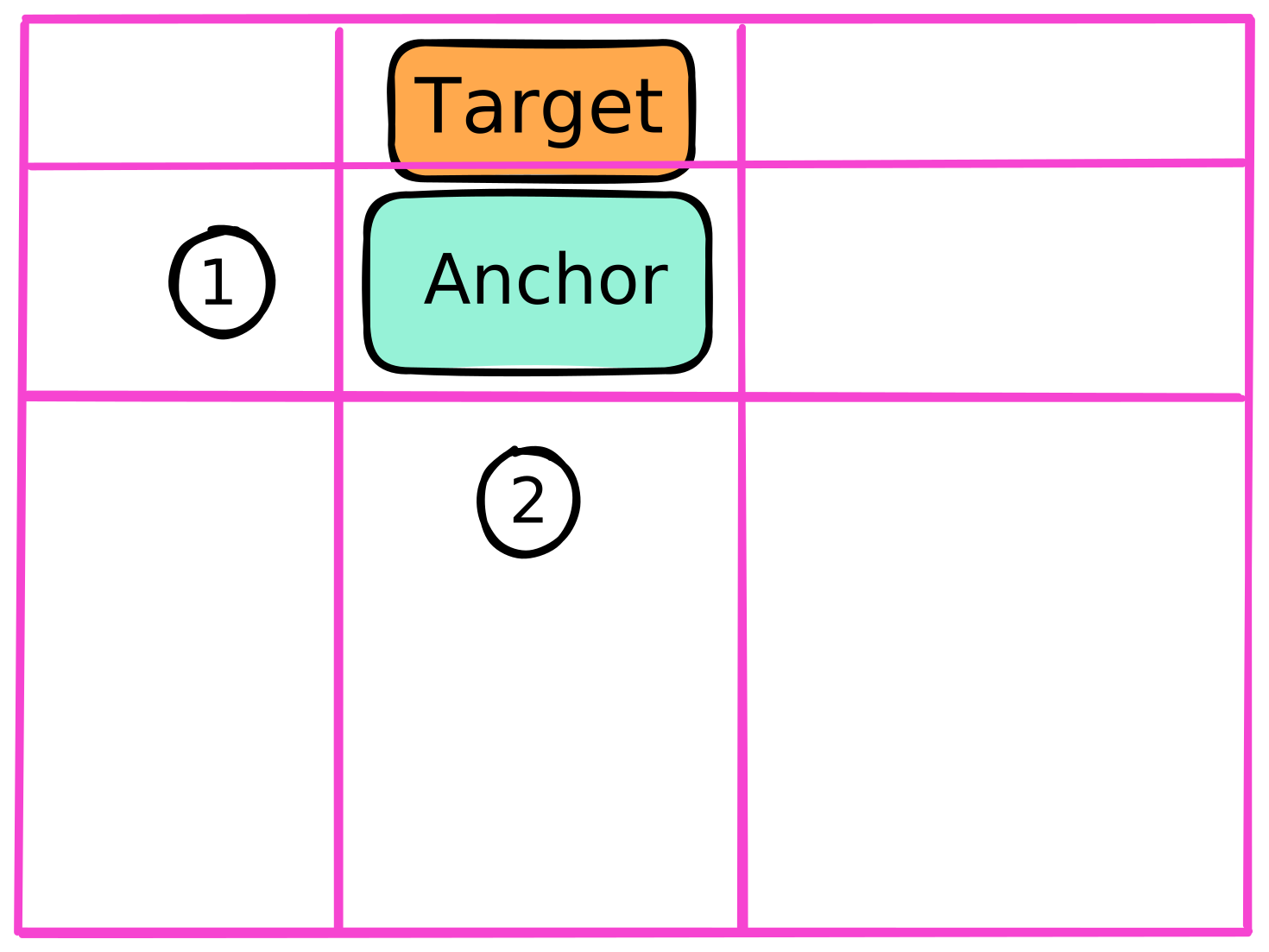
                .target {
                    position-area: top center;
                    position-try-fallbacks: --left, --bottom, --right;
                    position-try-order: normal;
                }

                @position-try --left {
                    position-area: left center;
                }

                @position-try --bottom {
                    position-area: bottom center;
                }

                @position-try --right {
                    position-area: right center;
                }

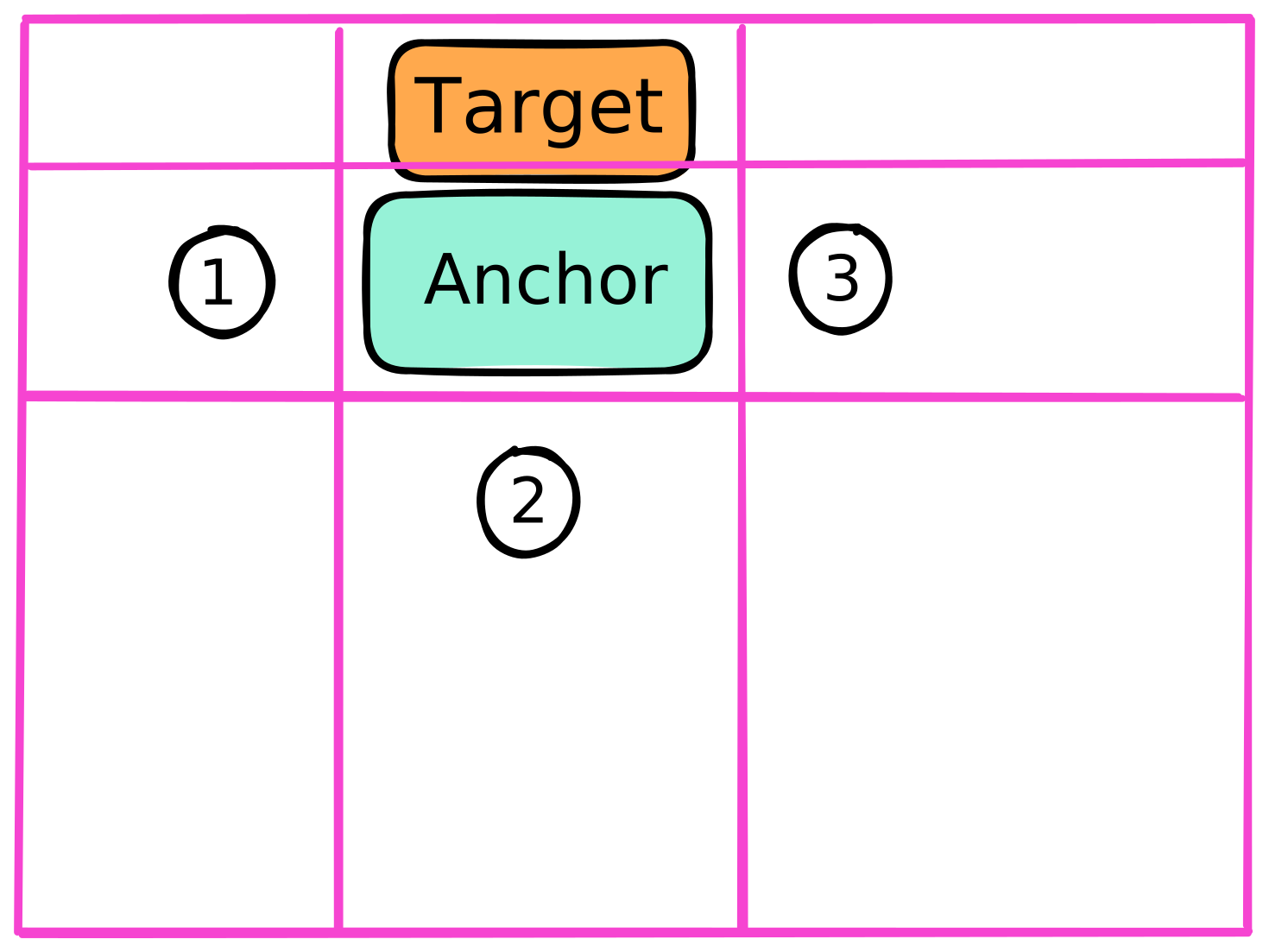
                .target {
                    position-area: top center;
                    position-try-fallbacks: --left, --bottom, --right;
                    position-try-order: most-width;
                }

                @position-try --left {
                    position-area: left center;
                }

                @position-try --bottom {
                    position-area: bottom center;
                }

                @position-try --right {
                    position-area: right center;
                }
                .target {
                    position-area: top center;
                    position-try-fallbacks: --left, --bottom, --right;
                    position-try-order: most-width;
                }

                @position-try --left {
                    position-area: left center;
                }

                @position-try --bottom {
                    position-area: bottom center;
                }

                @position-try --right {
                    position-area: right center;
                }

                .target {
                    position-area: top center;
                    position-try-fallbacks: --left, --bottom, --right;
                    position-try-order: most-width;
                }

                @position-try --left {
                    position-area: left center;
                }

                @position-try --bottom {
                    position-area: bottom center;
                }

                @position-try --right {
                    position-area: right center;
                }
                .target {
                    position-area: top center;
                    position-try-fallbacks: --left, --bottom, --right;
                    position-try-order: most-width;
                }

                @position-try --left {
                    position-area: left center;
                }

                @position-try --bottom {
                    position-area: bottom center;
                }

                @position-try --right {
                    position-area: right center;
                }
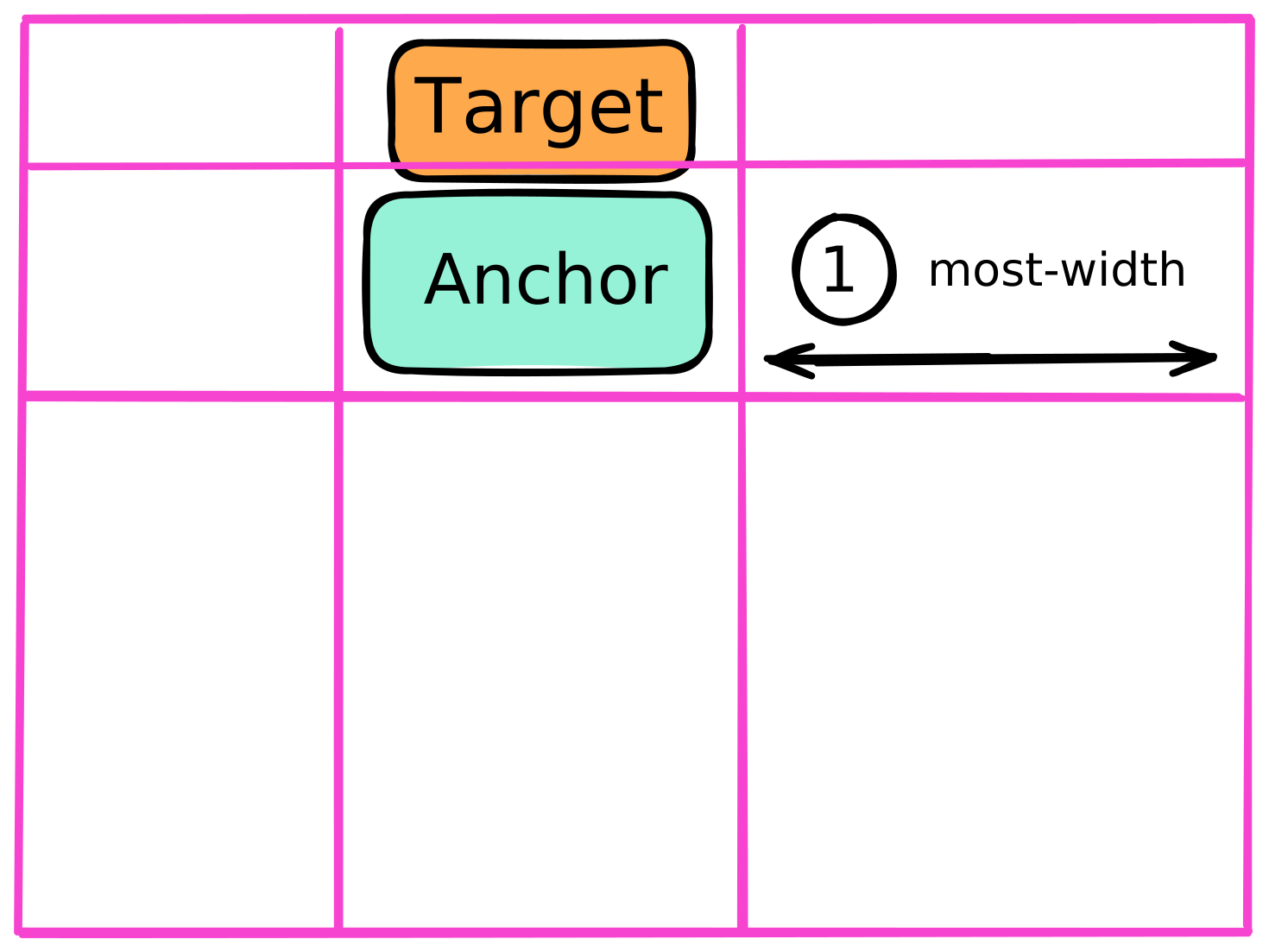
                .target {
                    position-area: top center;
                    position-try-fallbacks: --left, --bottom, --right;
                    position-try-order: most-height;
                }

                @position-try --left {
                    position-area: left center;
                }

                @position-try --bottom {
                    position-area: bottom center;
                }

                @position-try --right {
                    position-area: right center;
                }
                .target {
                    position-area: top center;
                    position-try-fallbacks: --left, --bottom, --right;
                    position-try-order: most-height;
                }

                @position-try --left {
                    position-area: left center;
                }

                @position-try --bottom {
                    position-area: bottom center;
                }

                @position-try --right {
                    position-area: right center;
                }

                .target {
                    position-area: top center;
                    position-try-fallbacks: --left, --bottom, --right;
                    position-try-order: most-height;
                }

                @position-try --left {
                    position-area: left center;
                }

                @position-try --bottom {
                    position-area: bottom center;
                }

                @position-try --right {
                    position-area: right center;
                }
                .target {
                    position-area: top center;
                    position-try-fallbacks: --left, --bottom, --right;
                    position-try-order: most-height;
                }

                @position-try --left {
                    position-area: left center;
                }

                @position-try --bottom {
                    position-area: bottom center;
                }

                @position-try --right {
                    position-area: right center;
                }
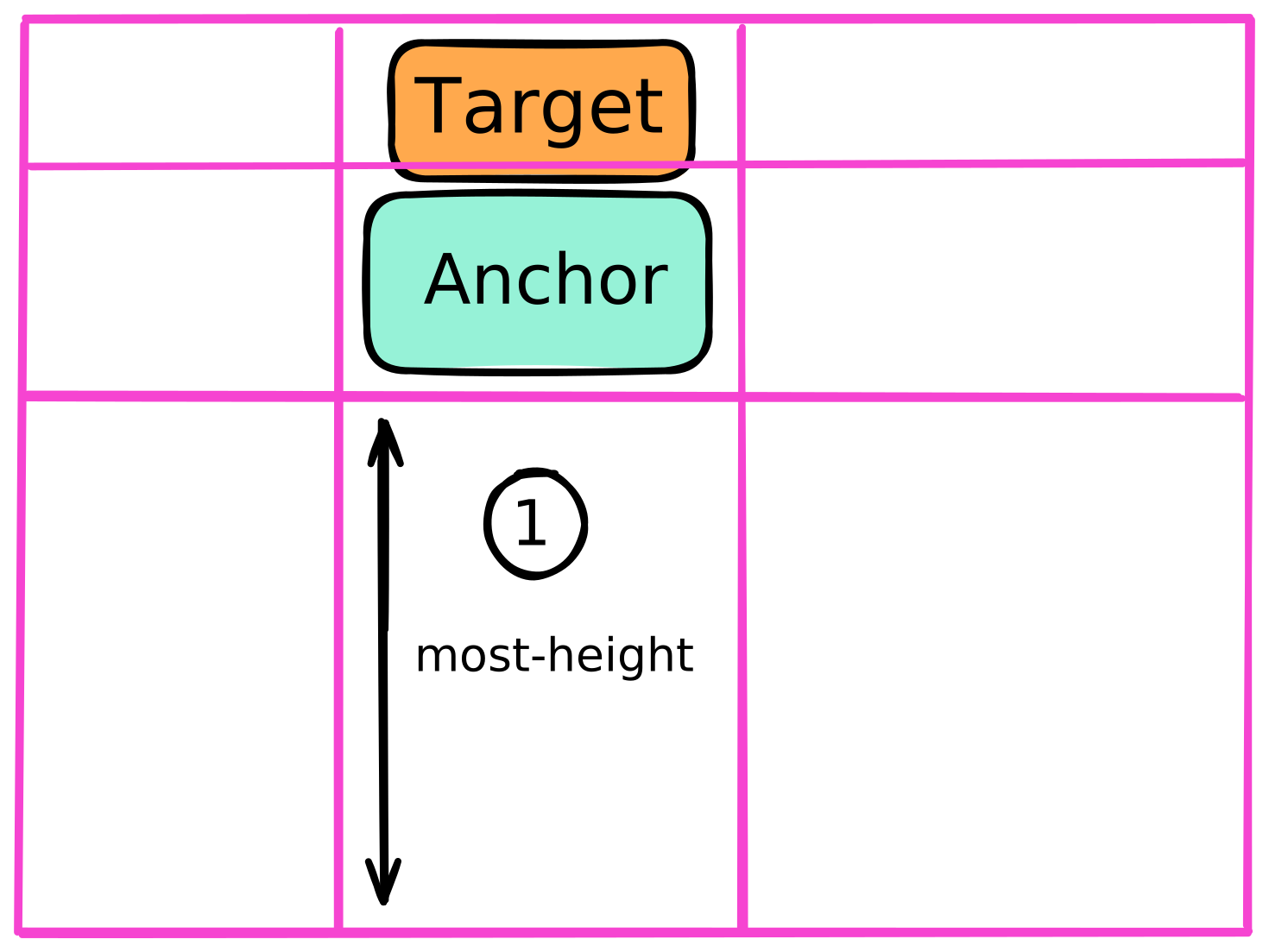
    .target {
        position-try-order: normal;

        position-try-order: most-width;
        position-try-order: most-height;

        position-try-order: most-block-size;
        position-try-order: most-inline-size;
    }
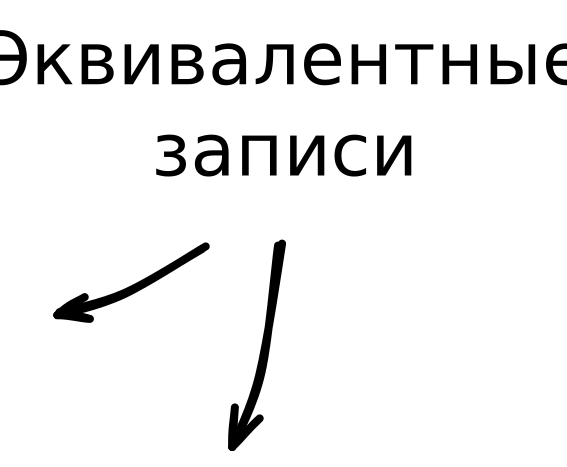
        .target {
            position-try: flip-inline, --bottom;
        }
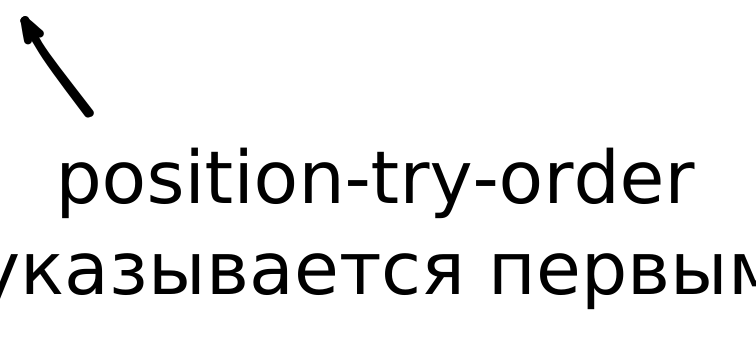
            position-try: most-width flip-inline, --bottom;


        .target {
            position-try: flip-inline, --bottom;
            position-try: most-width flip-inline, --bottom;
        }
        .target {
            position-try: flip-inline, --bottom;
            position-try: most-width flip-inline, --bottom;
        }

        .target {
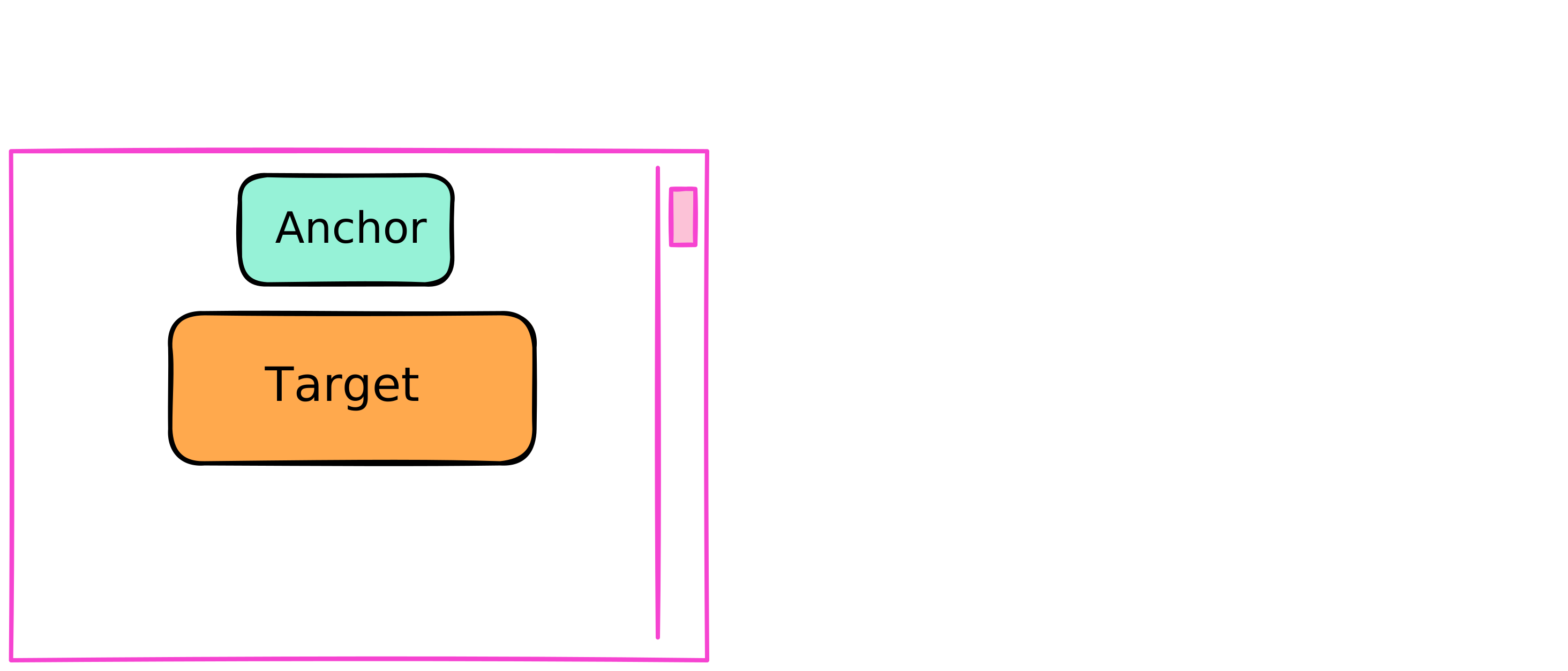
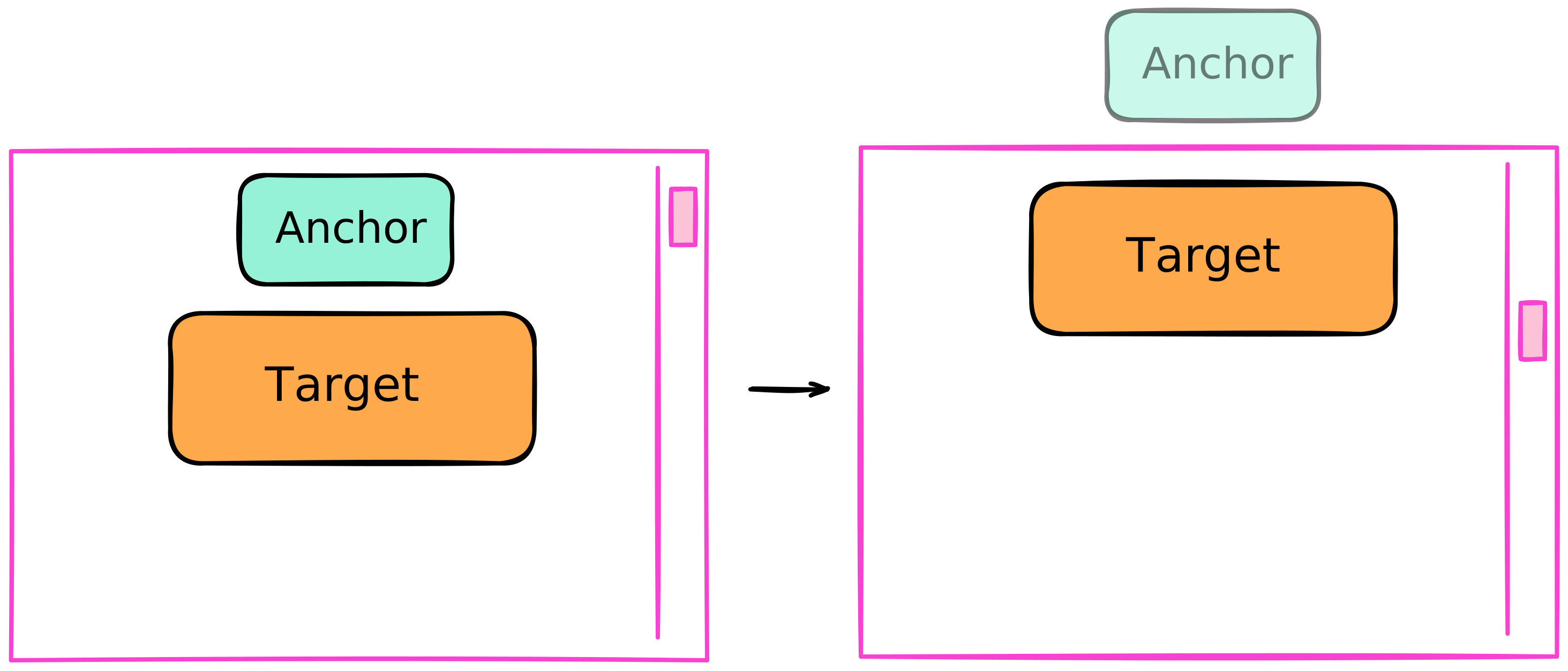
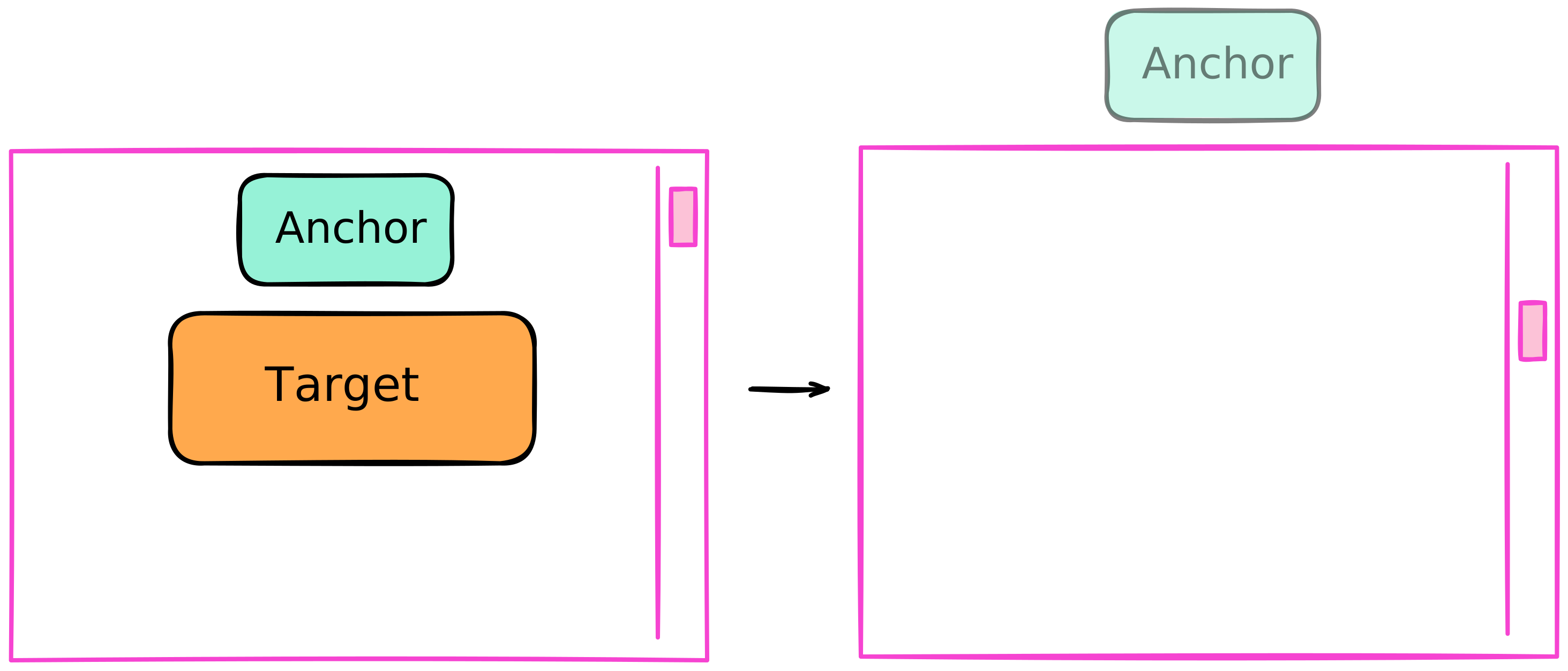
            position-visibility: anchors-valid;
        }

        .target {
            position-visibility: anchors-valid;
        }

        .target {
            position-visibility: anchors-valid;
        }


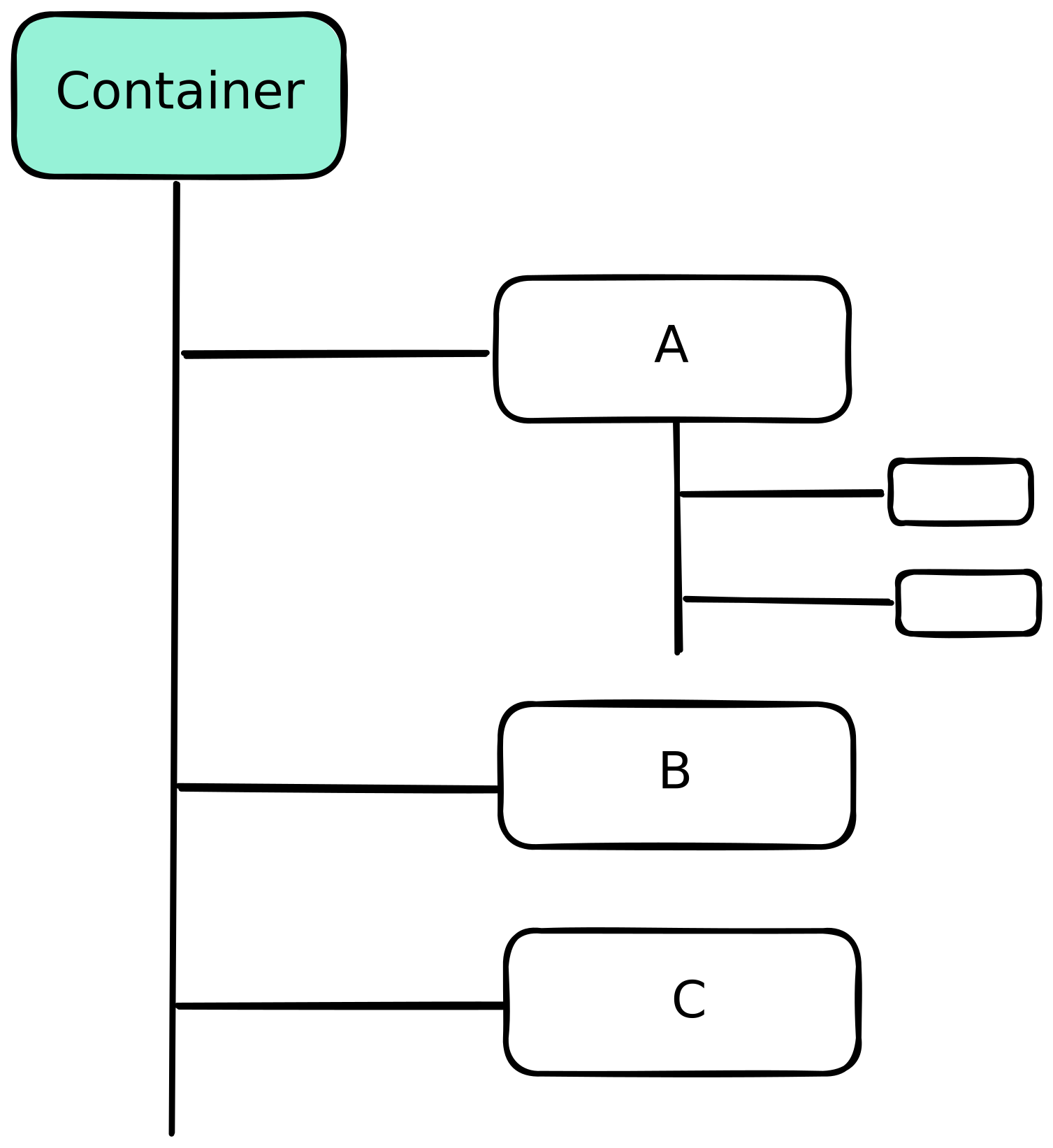
            .container {
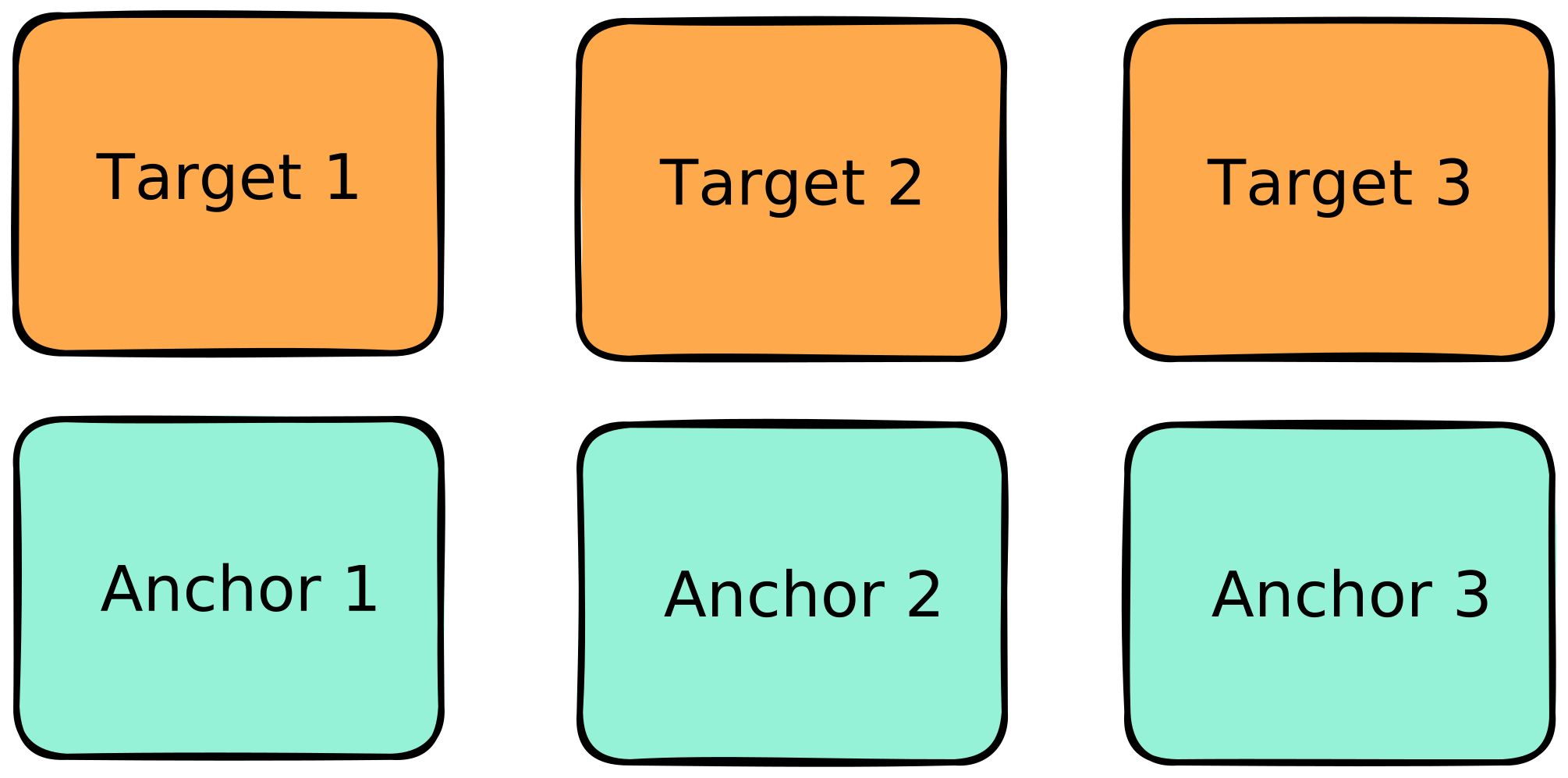
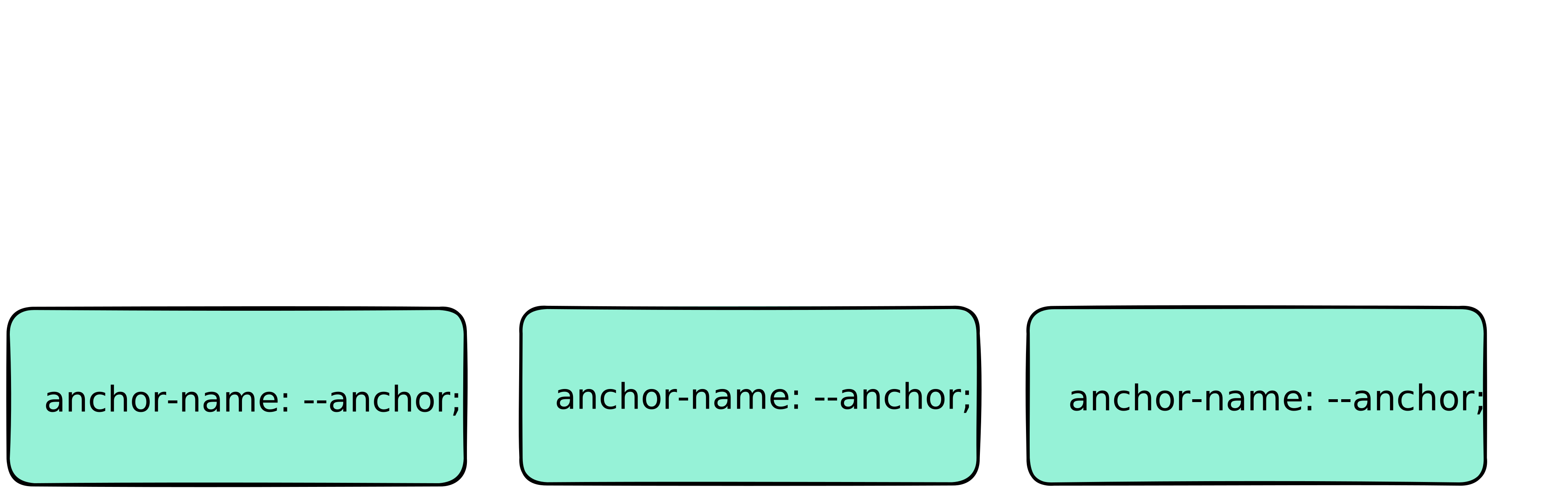
                anchor-scope: none;
            }
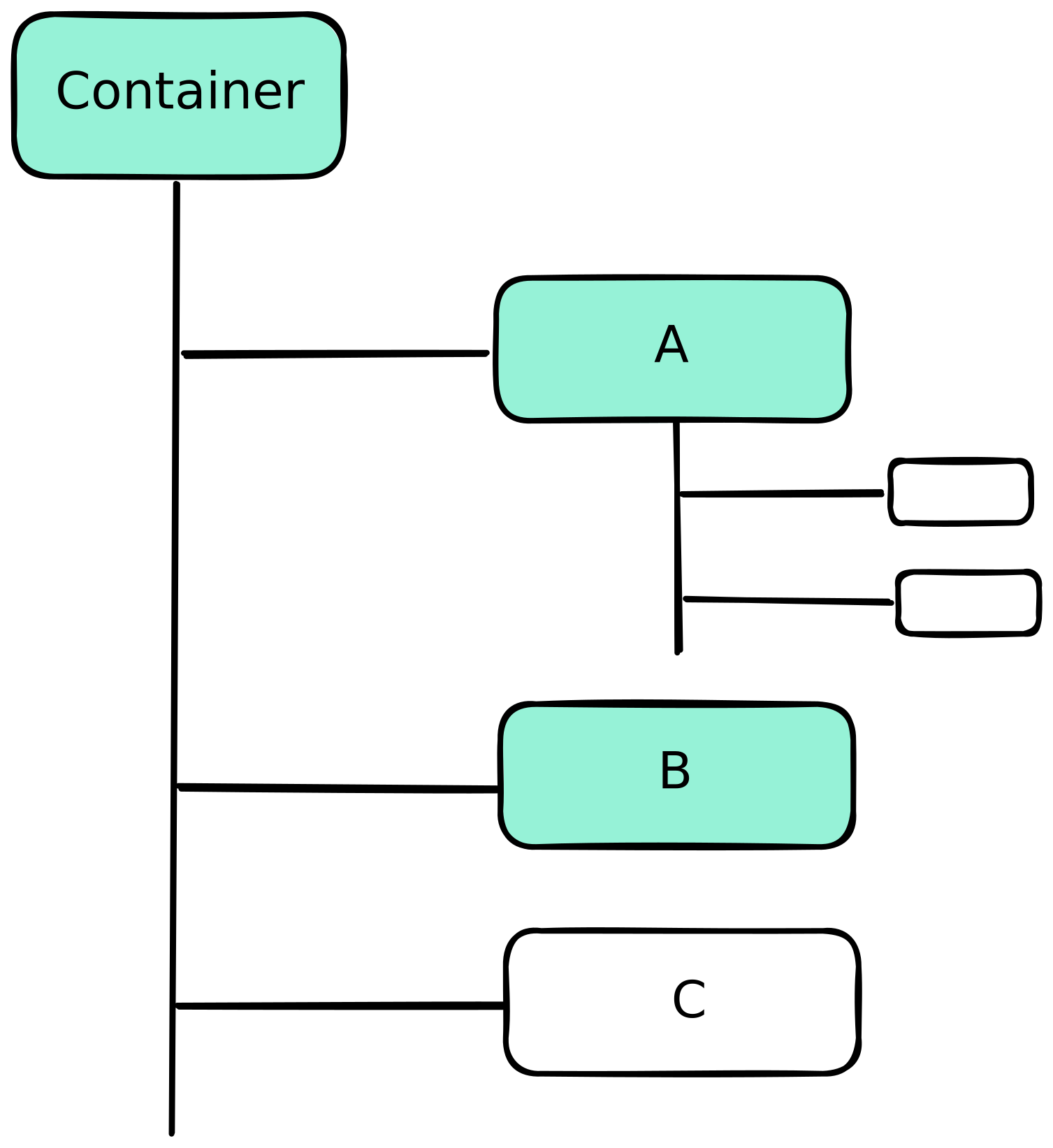
            .container {
                anchor-scope: --a, --b;
            }
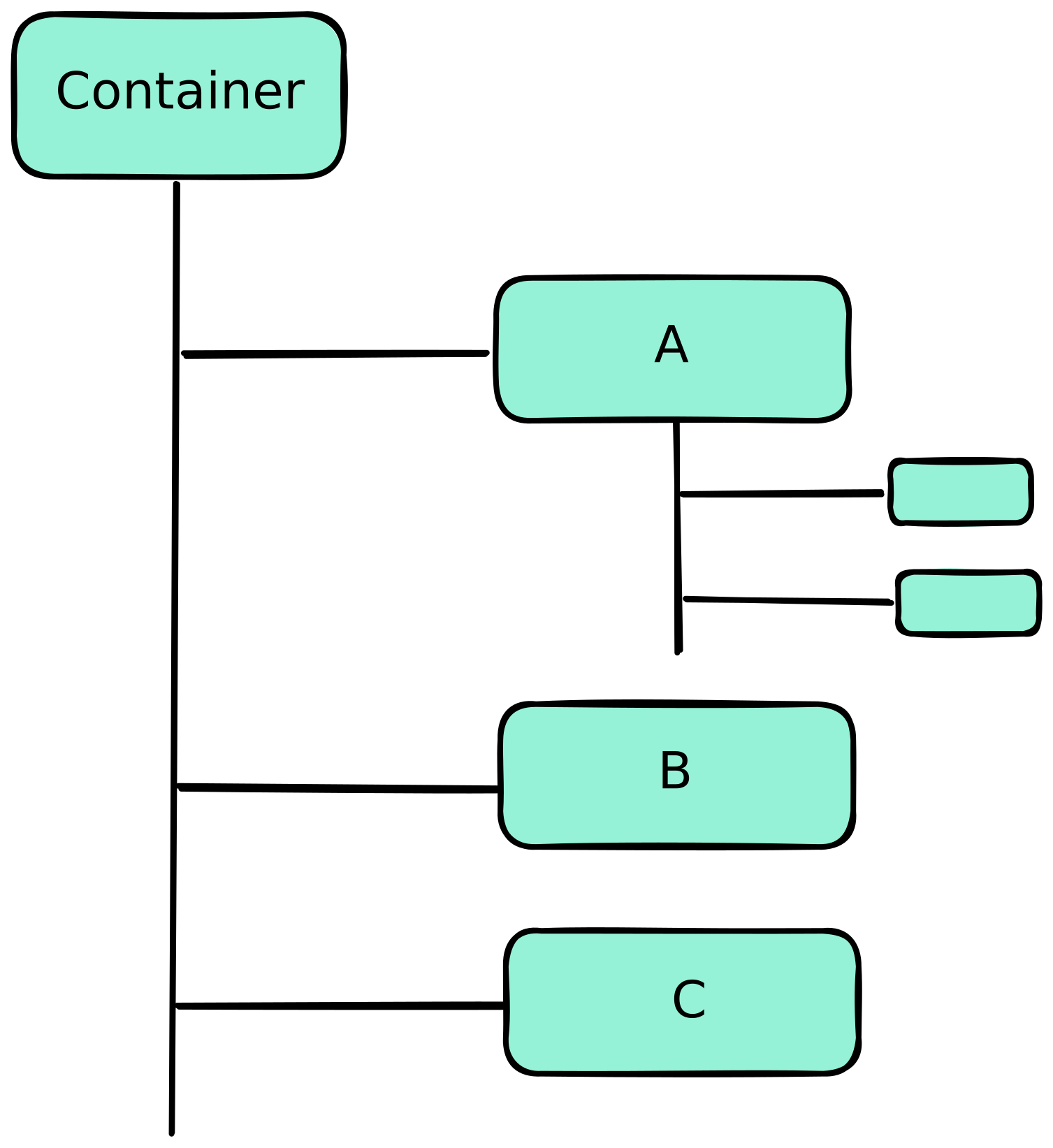
            .container {
                anchor-scope: all;
            }





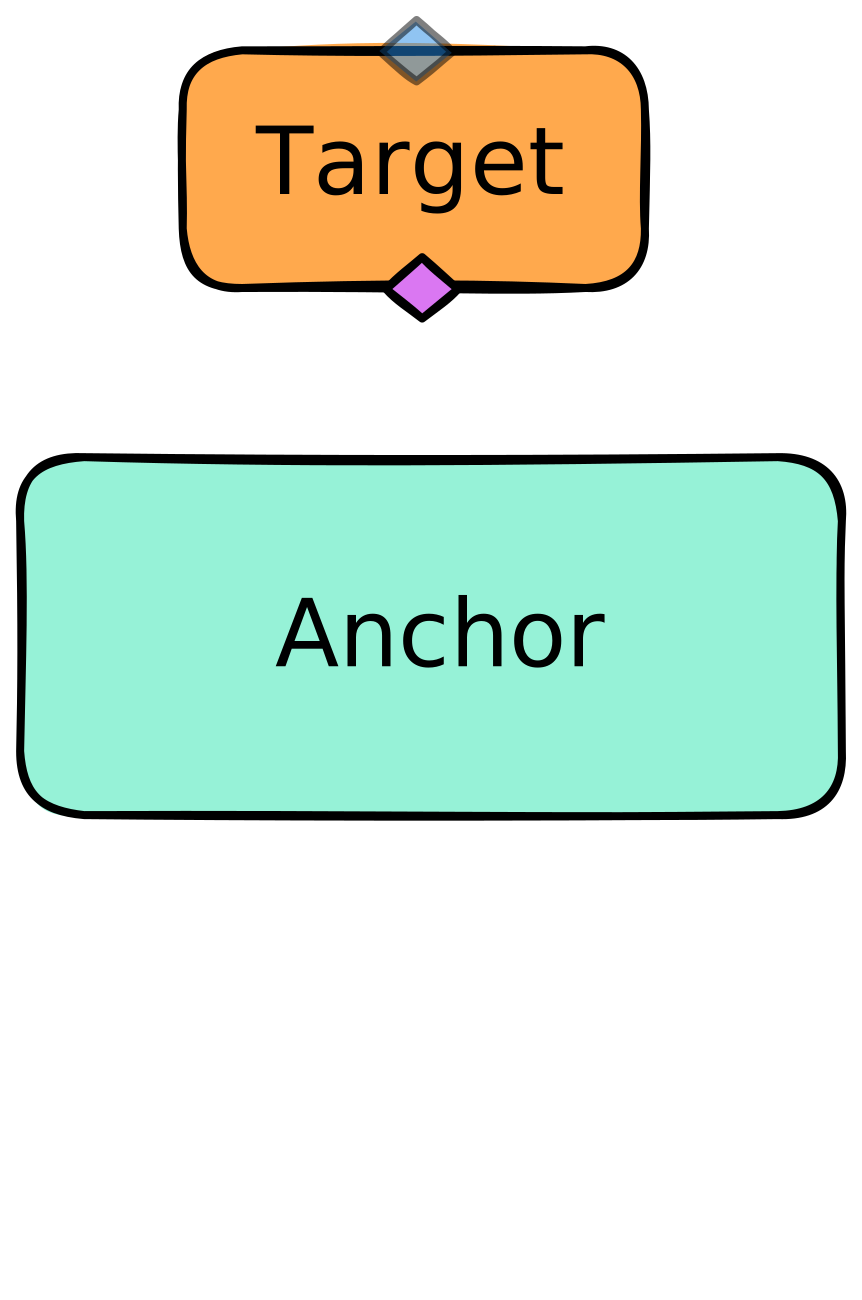
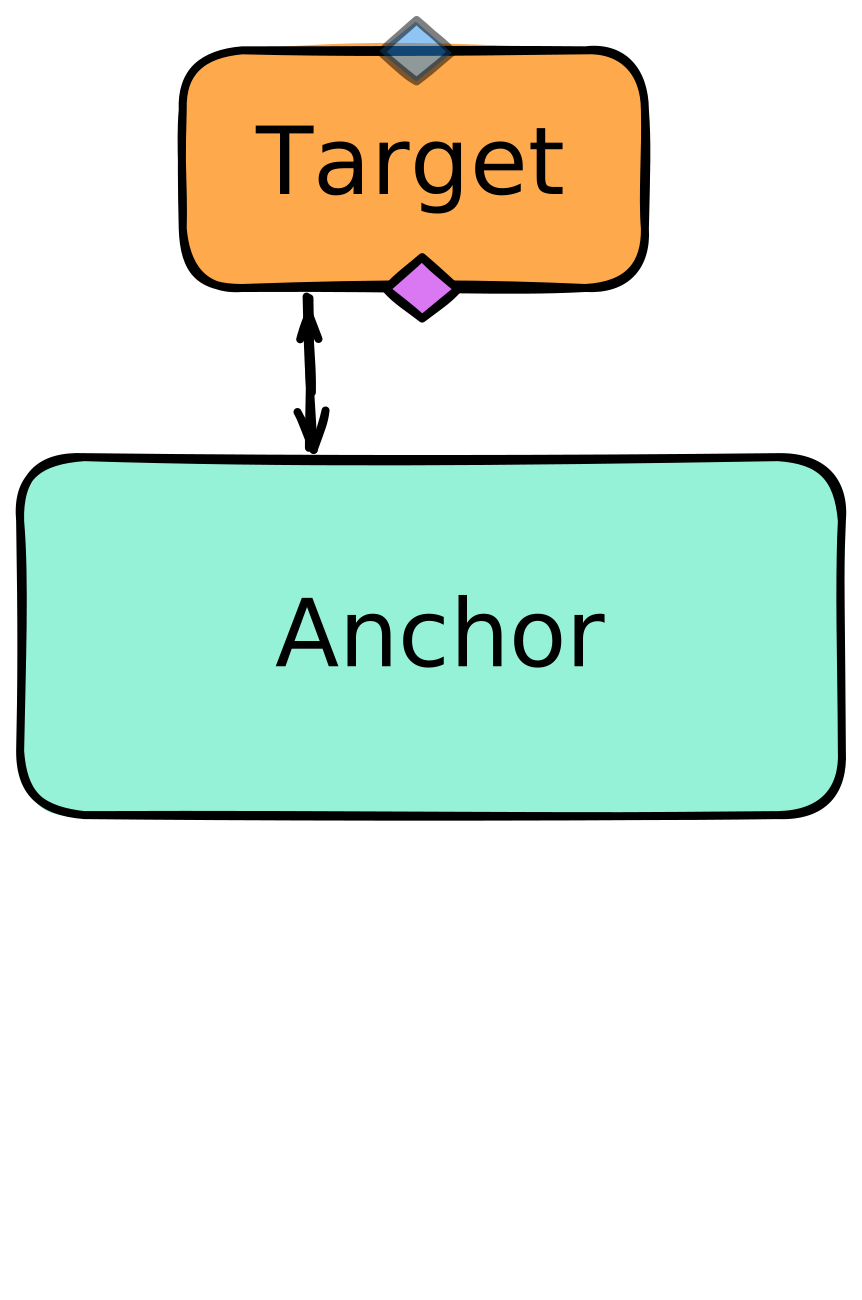
        /* для кейса, когда target под anchor */
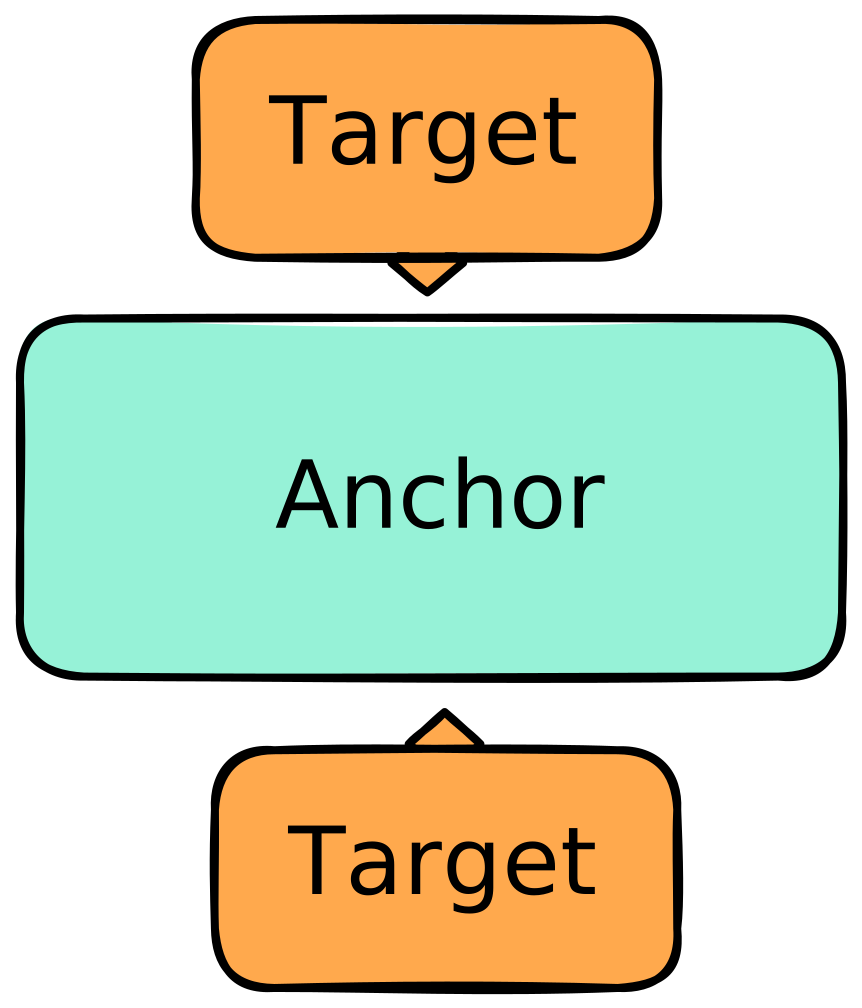
        .target::before {
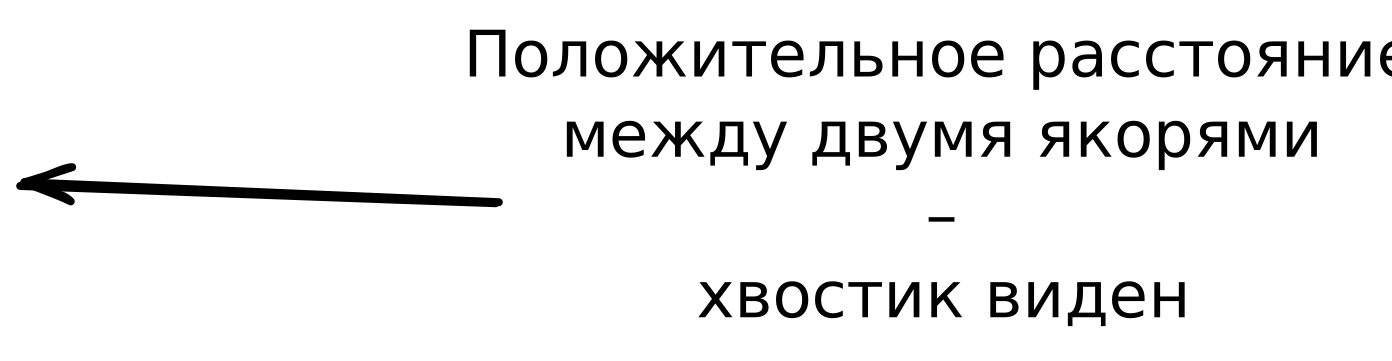
            /* растягиваем хвостик между двумя якорями */
            top: anchor(--anchor bottom);
            bottom: anchor(--target top);
            transform: translateY(7px) rotate(45deg);
        }

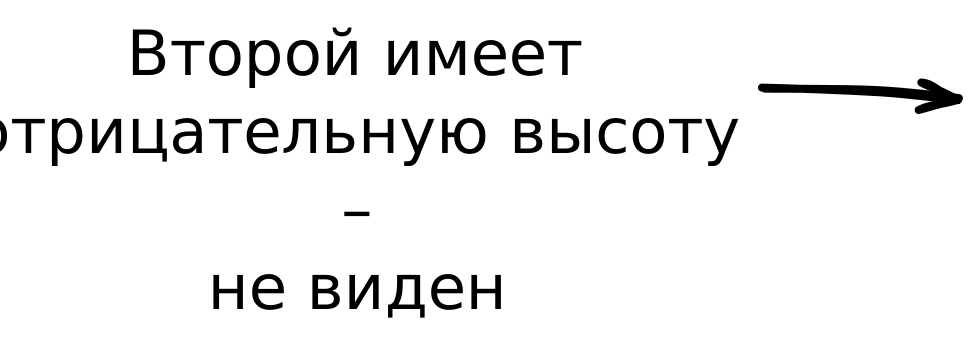
        /* для кейса, когда target над anchor */
        .target::after {
            /* растягиваем хвостик между двумя якорями */
            top: anchor(--target bottom);
            bottom: anchor(--anchor top);
            transform: translateY(-7px) rotate(45deg);
        }

 CSS-спецификация: anchor positioning
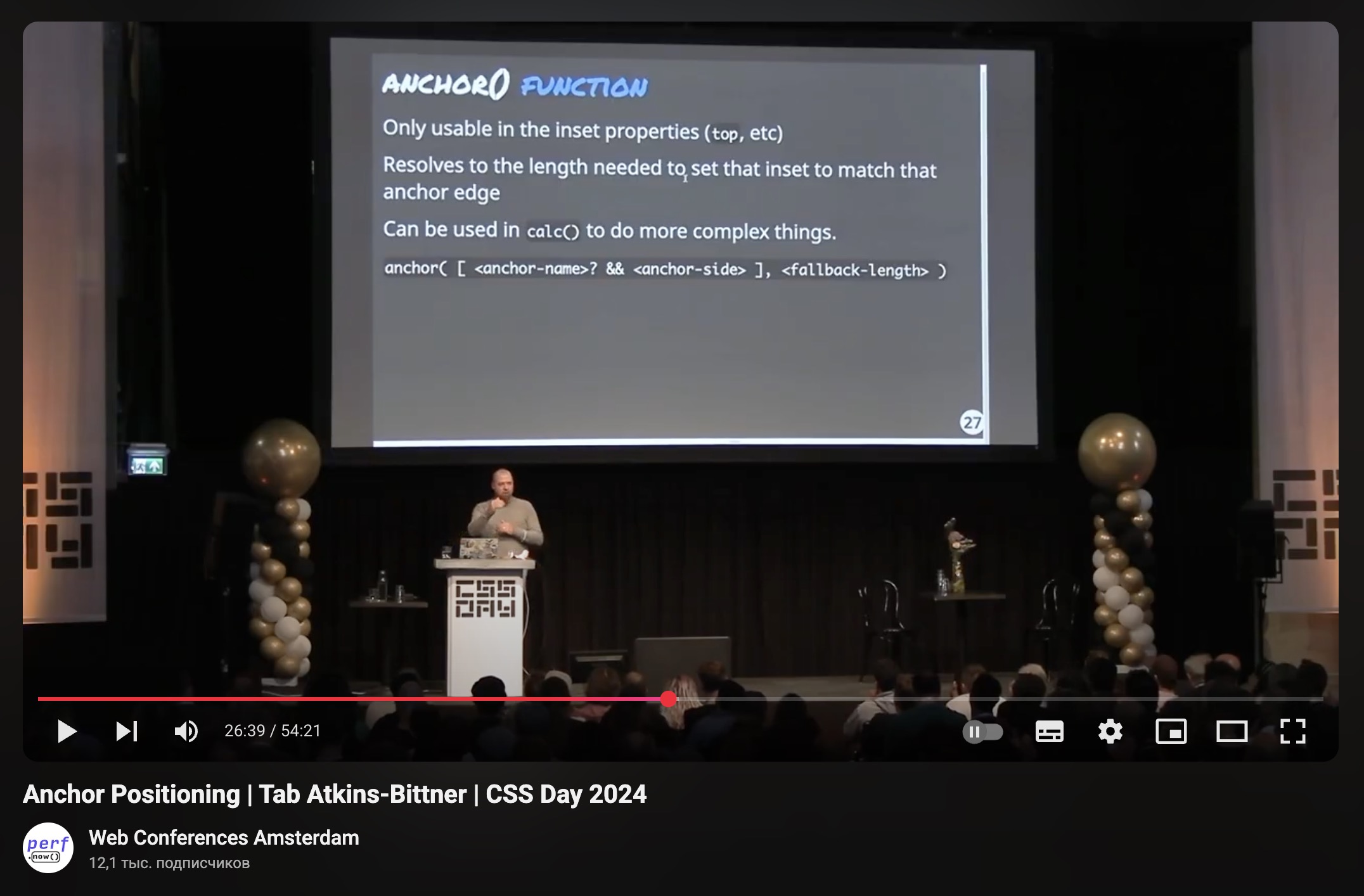 CSS Day 2024: Tab Atkins-Bittner – Anchor Positioning
 Roman Komarov – Future CSS: Anchor Positioning
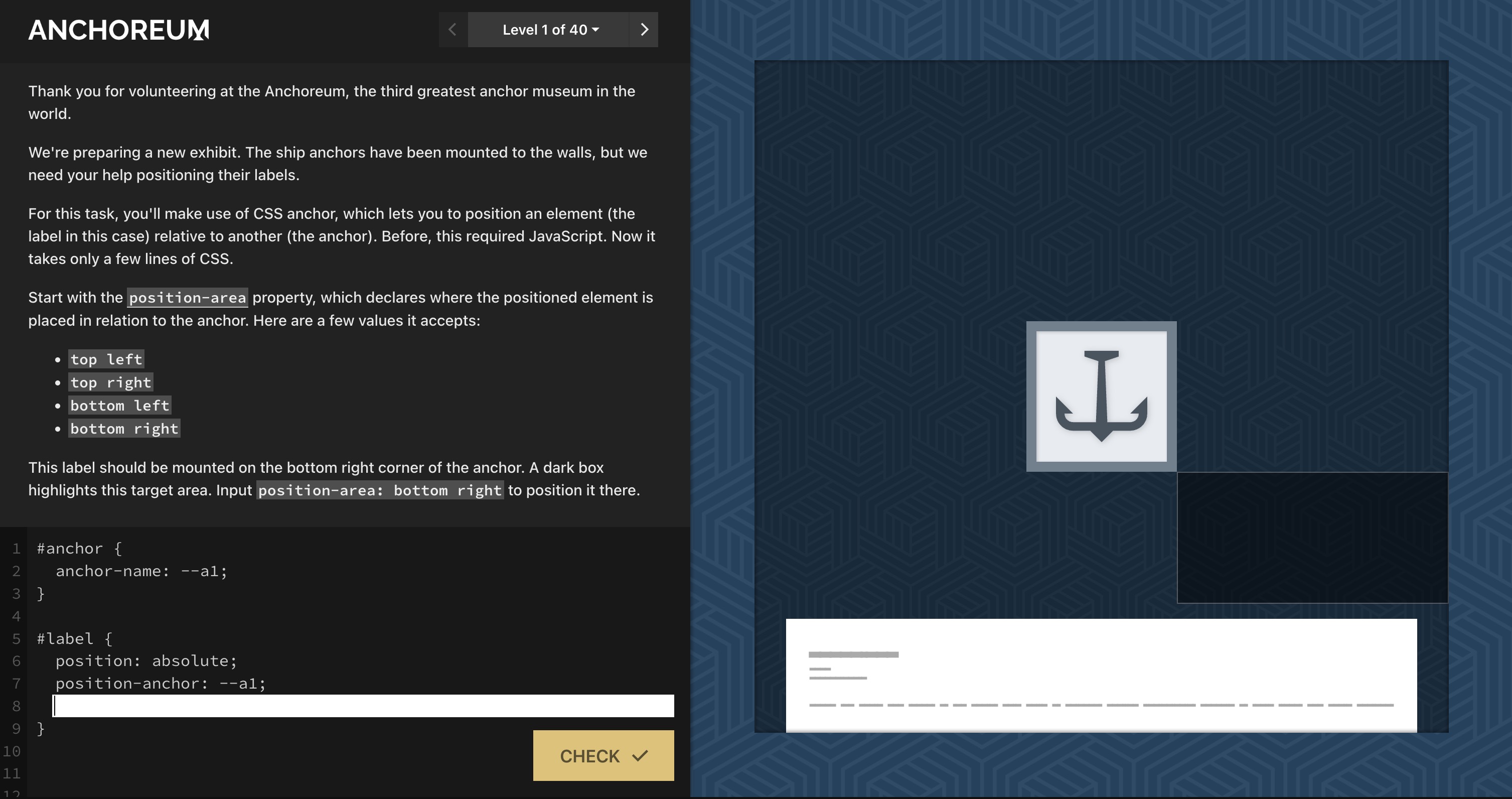 Anchoreum: игра для изучения Anchor Positioning


Дром